

 English




















































































































































































































































































































































































































































































































































































































































































































































































































































































































































































































































































































































































































































































































































































































































































































































































































































































































QuickBooks Enterprise Hosting vs Desktop: Which Is Right for You


In today’s fast-paced business world, flexibility, collaboration, and data security are essential — especially for accounting and financial management. QuickBooks Hosting has long been a trusted solution for handling complex accounting tasks, but businesses now face an important decision: Should you continue using QuickBooks Desktop, or move to QuickBooks Enterprise Hosting on the cloud?
Let’s explore the differences between the two, their pros and cons, and how to determine which version aligns best with your business needs.
Advantages of QuickBooks Desktop:
- One-Time Licensing Option: Some versions offer perpetual licenses rather than recurring subscription fees.
- Custom Control: Data stays within your local environment for added control.
- Familiar Interface: Perfect for teams that are used to the layout and workflow of QuickBooks Desktop.
On the other hand, while the Desktop version provides control, it also brings limitations in terms of remote access, collaboration, and IT management costs.
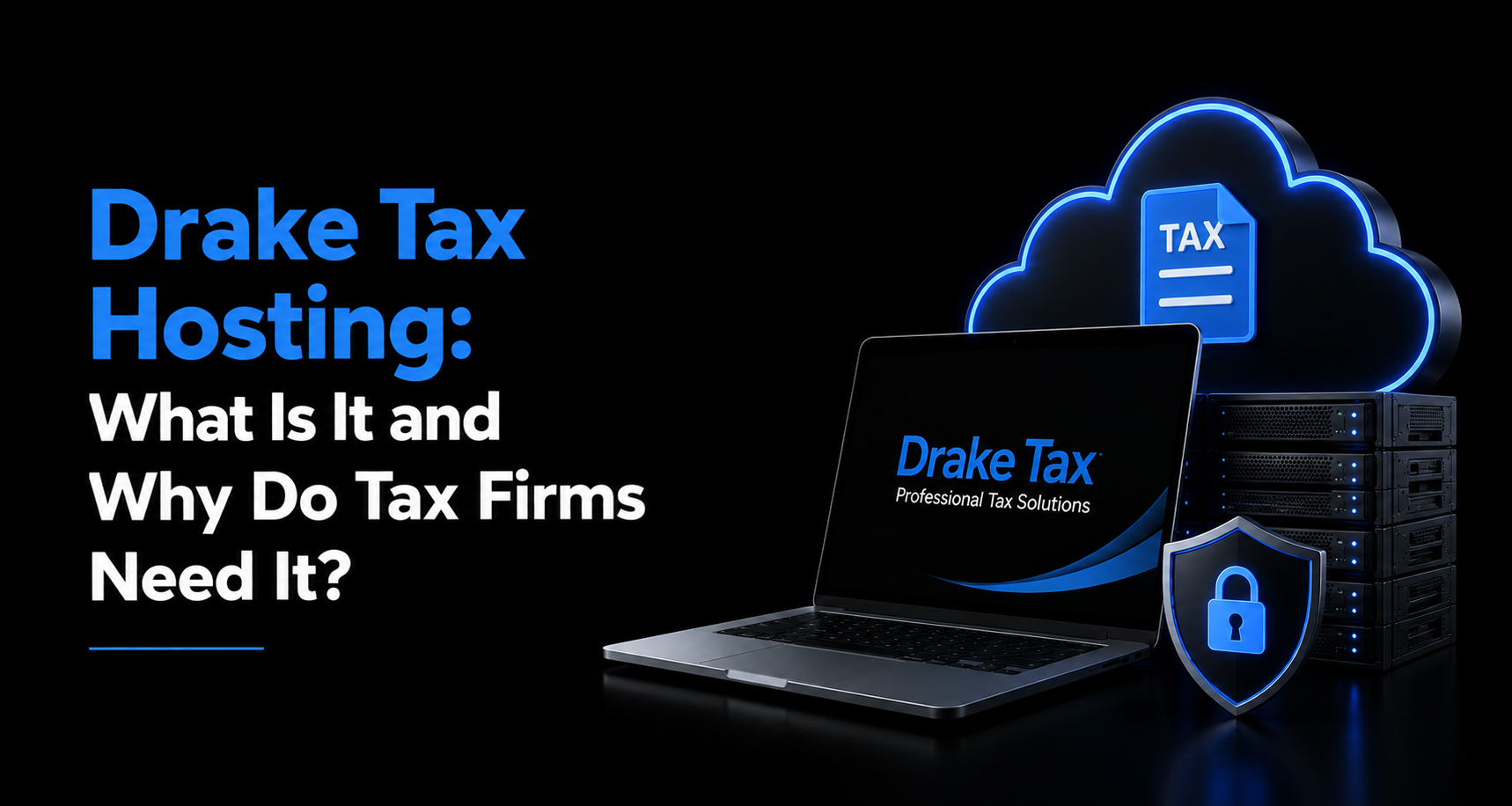
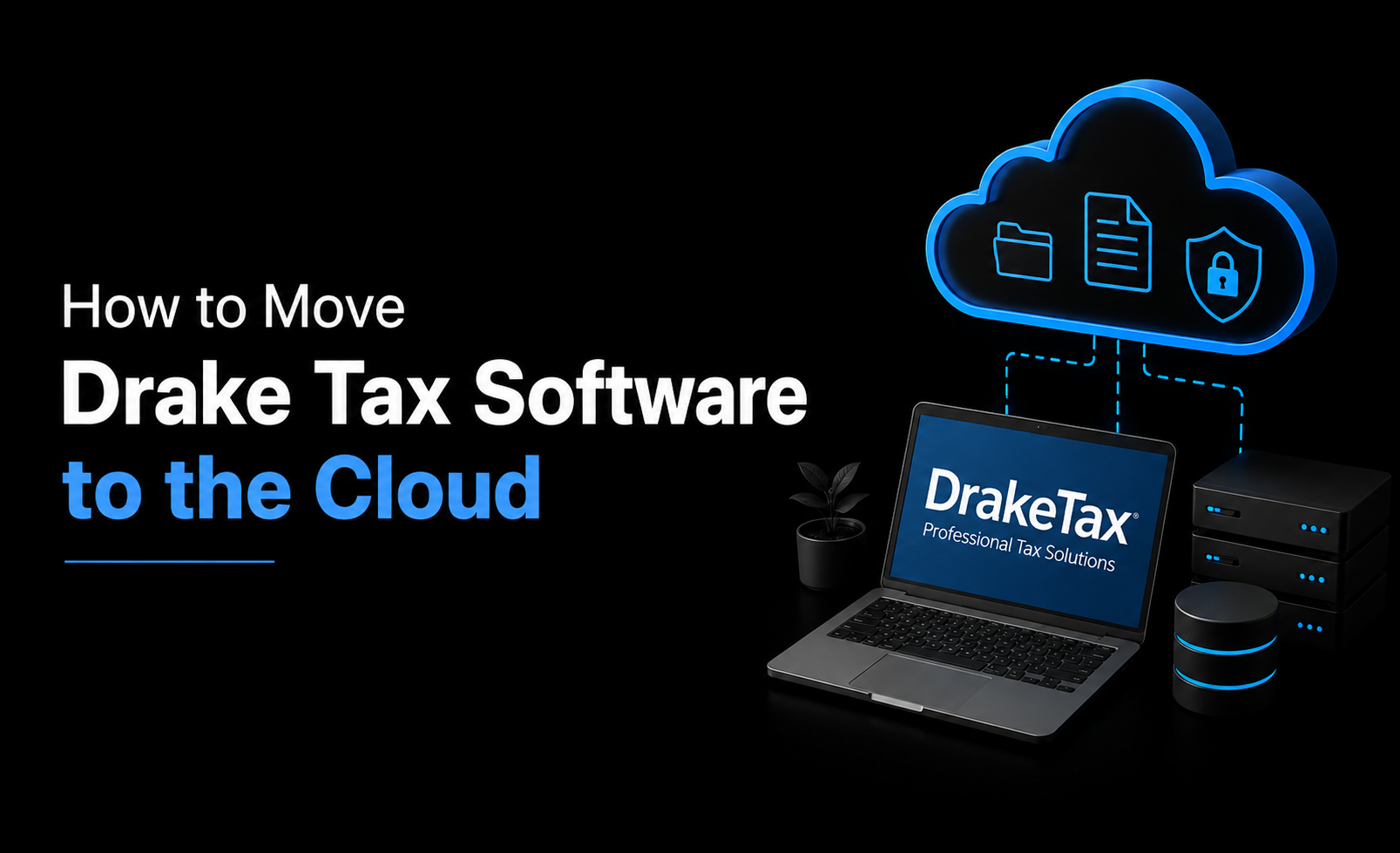
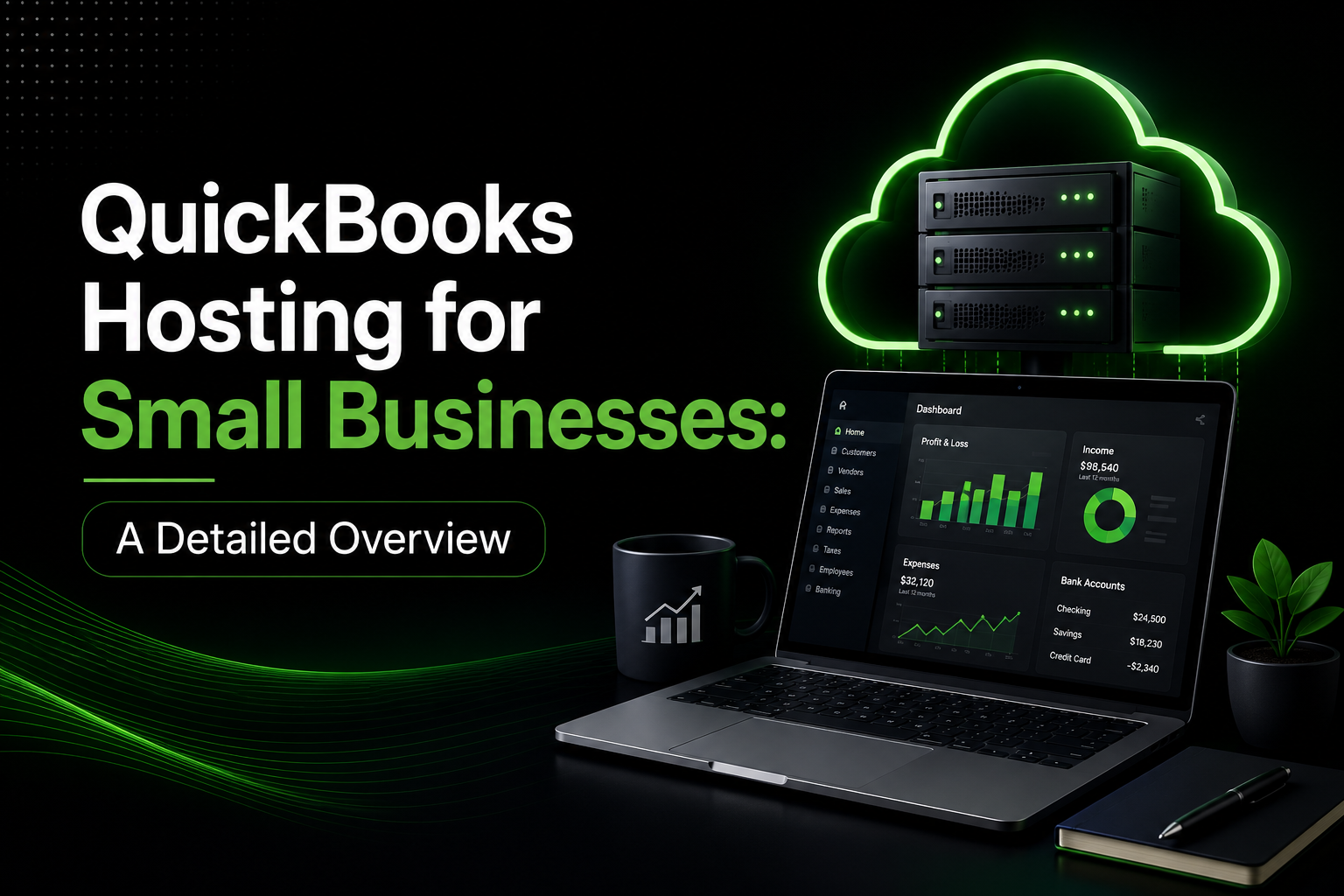
What is QuickBooks Enterprise Hosting?
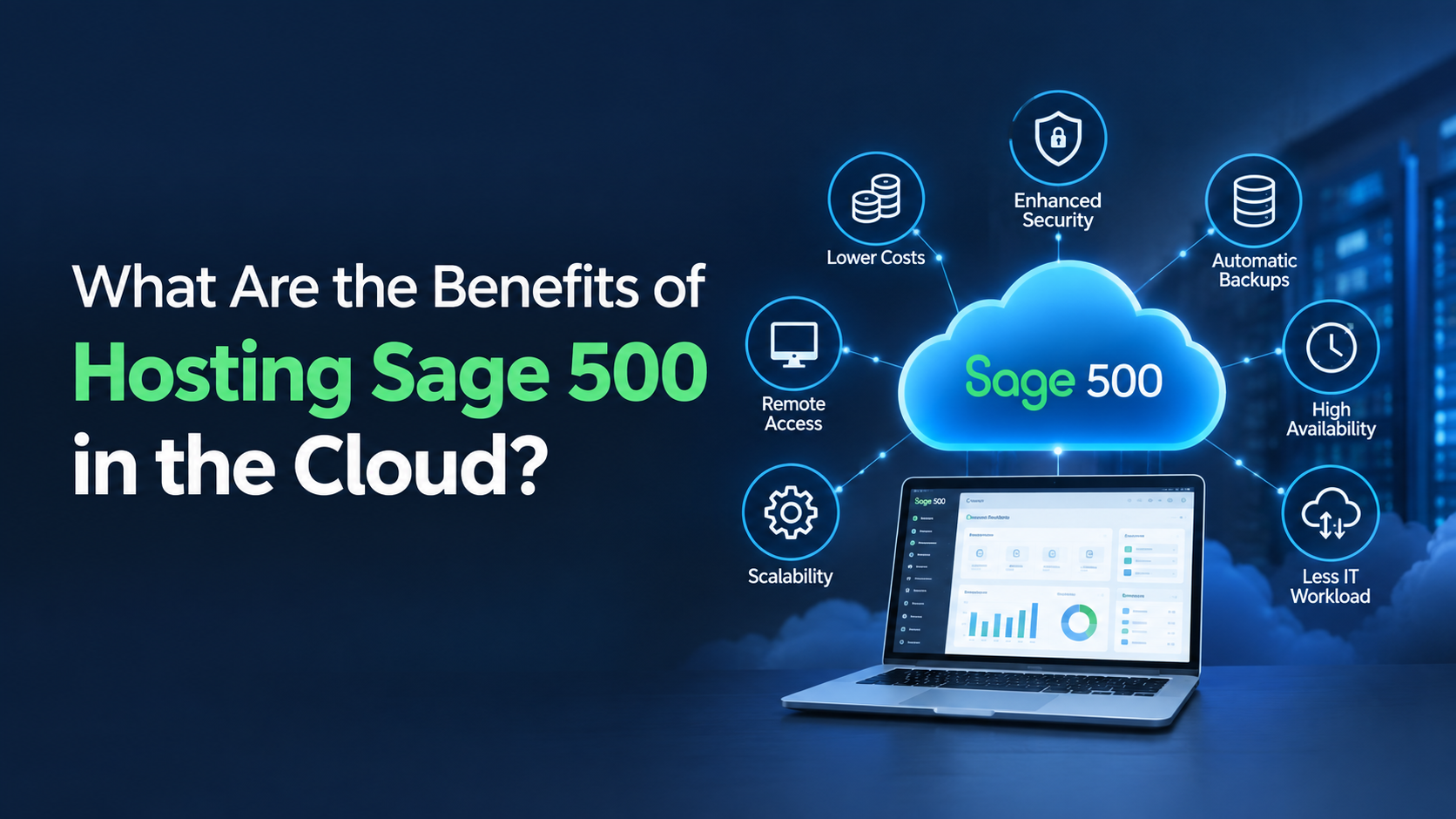
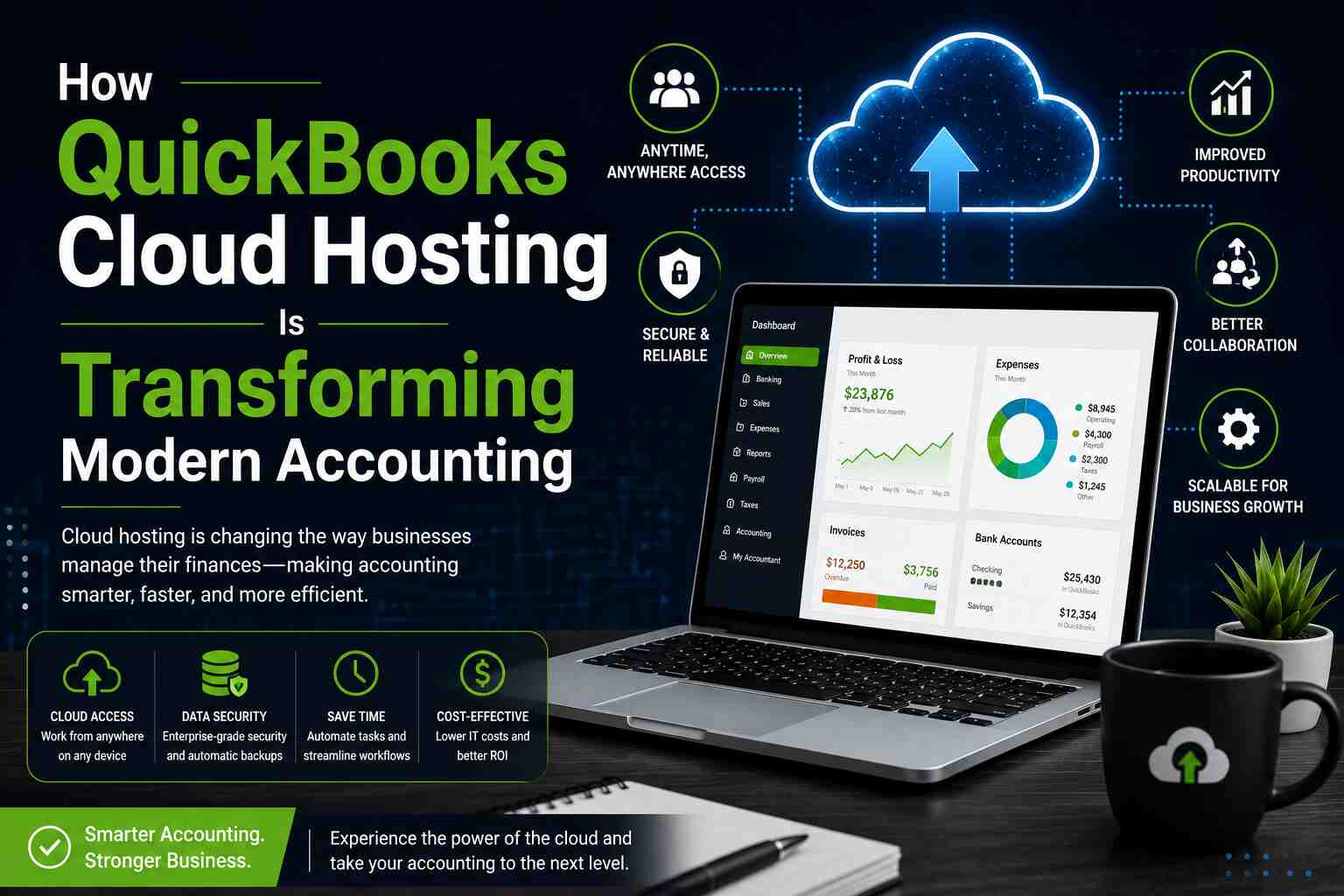
Benefits of QuickBooks Hosting:
Anywhere, Anytime Access – Access your QuickBooks data from any device and from any location.
Multi-User Collaboration – Multiple team members can work simultaneously, in real-time, on the same company file.
Automatic Backups and Updates: Web hosting companies perform daily data backups and system updates.
Enterprise-Grade Security: Hosted environments include data encryption, firewalls, and multi-factor authentication to protect sensitive information.
Cost Efficiency: Reduces the need for physical servers, IT staff, and maintenance expenses.
Disaster Recovery – Your data is automatically backed up and recoverable even in case of hardware failure or natural disasters.
QuickBooks Enterprise Hosting vs Desktop: Key Differences
|
Feature |
QuickBooks Desktop |
QuickBooks Enterprise Hosting |
| Accessibility | Limited to the local computer or office network | Accessible 24/7 from any device with internet |
| Collaboration | Single-user or local network setup | Multi-user collaboration in real-time |
| Data Security | Dependent on local IT measures | Bank-grade encryption, secure cloud servers |
| Maintenance | Managed by internal IT staff | Managed by hosting provider |
| Backup | Manual backups required | Automated daily backups |
| Scalability | Limited to hardware capacity | Easily add users, storage, and apps |
| Cost | Upfront software + server costs | Monthly/annual hosting subscription |
When to Choose QuickBooks Desktop
Your business has local data storage needs for compliance-related reasons.
- When to Choose QuickBooks Enterprise Hosting
- You have remote teams or multiple office locations.
- Your business values real-time collaboration and mobility.
- You do not want to manage any servers and/or do any IT maintenance yourself.
- You handle large bulks of accounting data and need fast, secure access.
Final Thoughts
The decision between QuickBooks Enterprise Hosting vs Desktop depends on your firm’s size, workflow, and long-term goals. For traditional setups that prioritize offline control, QuickBooks Desktop remains a solid choice. However, if your business seeks growth, flexibility, and modern collaboration tools, QuickBooks Hosting provides a future-ready solution.
Moving to QuickBooks Enterprise Hosting enables your team to work smarter, stay connected, and handle financial data in a much more secure manner. This ensures time is saved along with other operational costs. or related services that offer QuickBooks Hosting solutions.
Frequently Question and Answers
1. What is QuickBooks Enterprise Hosting?
Answer: QuickBooks Enterprise Hosting means running the desktop version of QuickBooks Enterprise on secure cloud servers. This allows users to access the software anytime, from any device, while still enjoying its full desktop power and advanced features.
2. How does QuickBooks Enterprise Hosting improve team collaboration?
Answer: Hosting enables multiple users to work in QuickBooks Enterprise at the same time, from different locations. Real-time updates, shared access to files, and centralized data prevent version conflicts and boost team productivity.
3. Is QuickBooks Enterprise Hosting secure?
Answer: Yes. Top hosting providers offer bank-level security with data encryption, firewalls, multi-factor authentication, and automated backups. This reduces the risk of data loss, breaches, or hardware failures.
4. What are the cost benefits of hosting QuickBooks Enterprise?
Answer: Businesses save money by eliminating the need for expensive on-premise servers, IT maintenance, software installations, and manual backups. Cloud hosting offers predictable monthly pricing and reduces downtime costs.
5. Who should consider QuickBooks Enterprise Hosting?
Answer: Growing businesses, accountants, CPAs, and companies with remote teams benefit the most. Hosting is ideal for organizations that require scalability, multi-user access, strong security, and anywhere-anytime access to QuickBooks data.
Also, Visit Here: https://onlinetechlearner.com/employee-productivity-monitoring-software/
