

 English












































































































































































































































































































































































































































































































































































































































































































































































































































































































































































































































































































































































































































































































































































































































































































































































































































































































QuickBooks Hosting for Small Businesses: A Detailed Overview

Running a small business means juggling finances, payroll, invoicing, and reporting — often with a lean team. QuickBooks has long been the go-to accounting software for small businesses, but the way it is deployed is evolving fast. Rather than installing software on a single desktop, more and more business owners are turning to QuickBooks hosting — a cloud-based model that delivers all the power of QuickBooks Desktop from any device, anywhere in the world.
In this guide, we break down everything a small business owner needs to know about QuickBooks hosting: what it is, how it works, its key benefits, what to look for in a provider, and whether it is the right fit for your business.
What is QuickBooks Hosting?
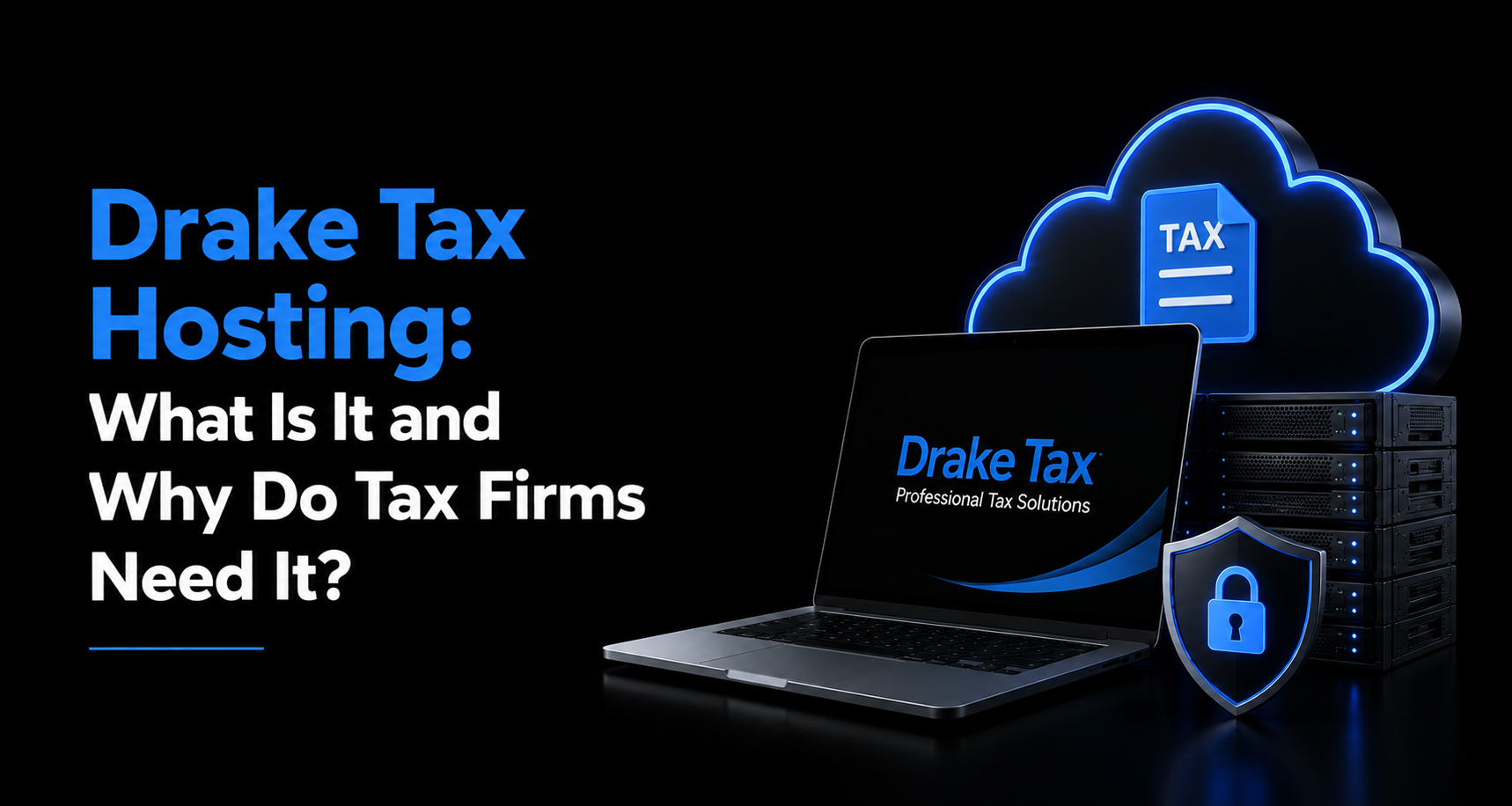
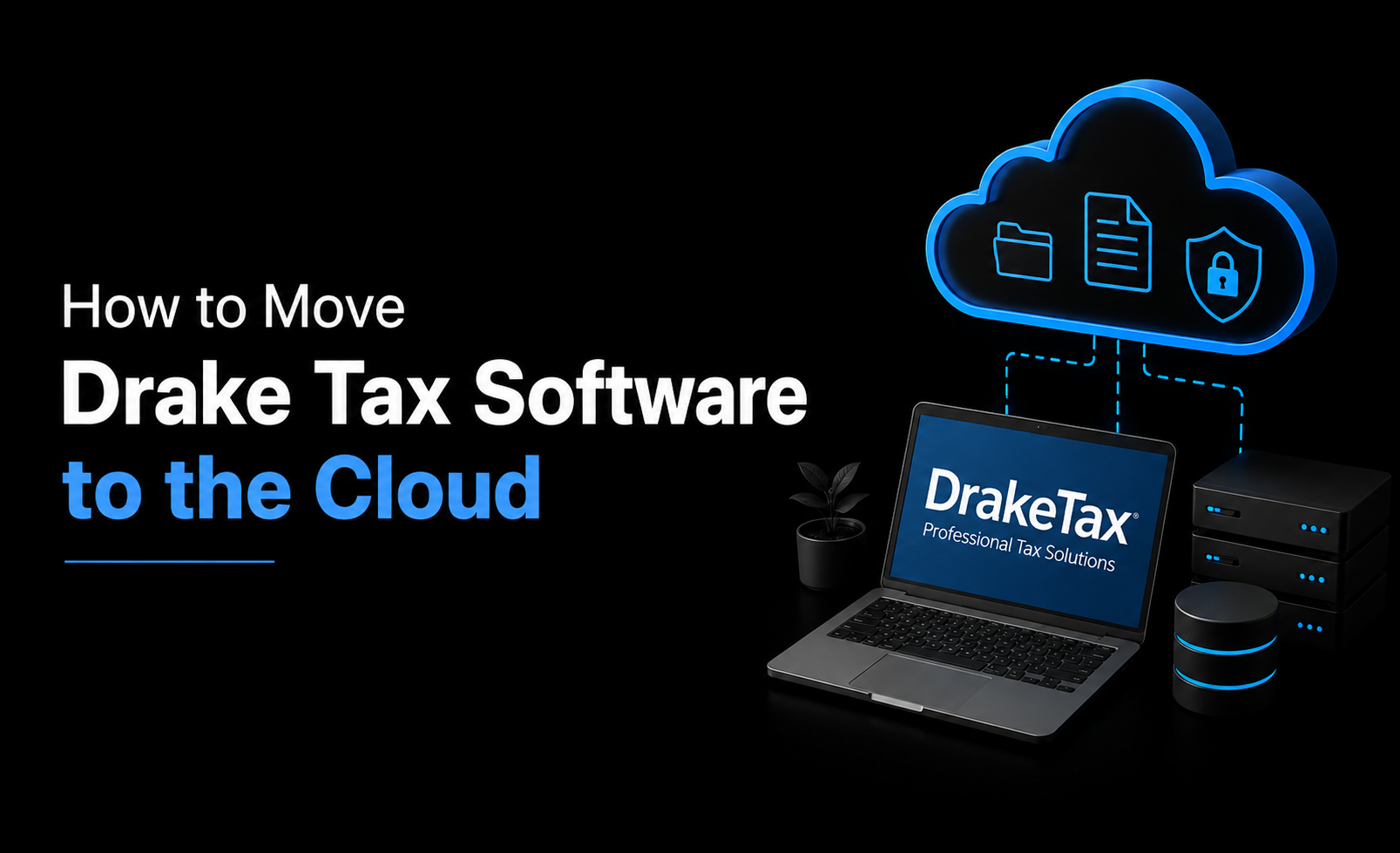
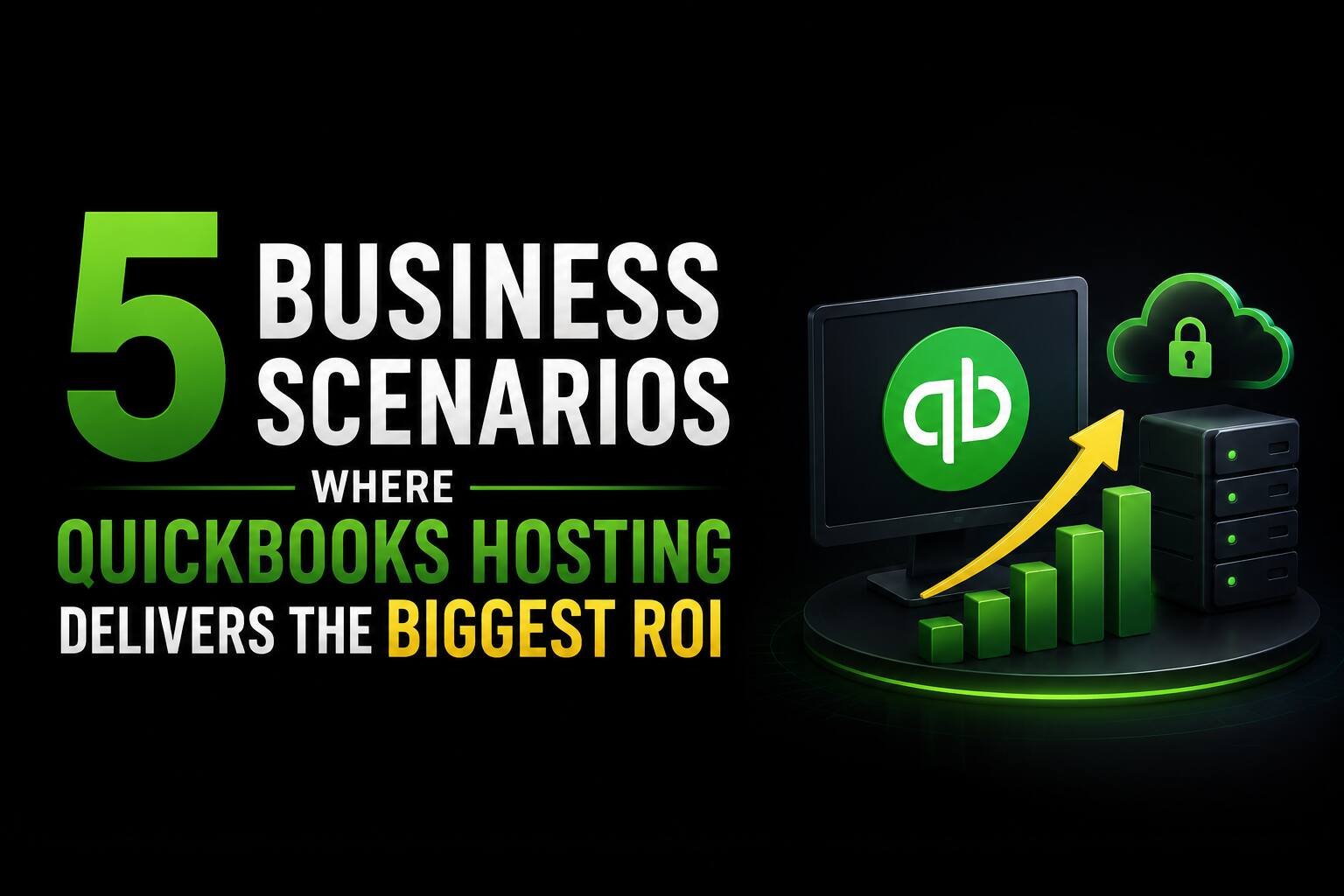
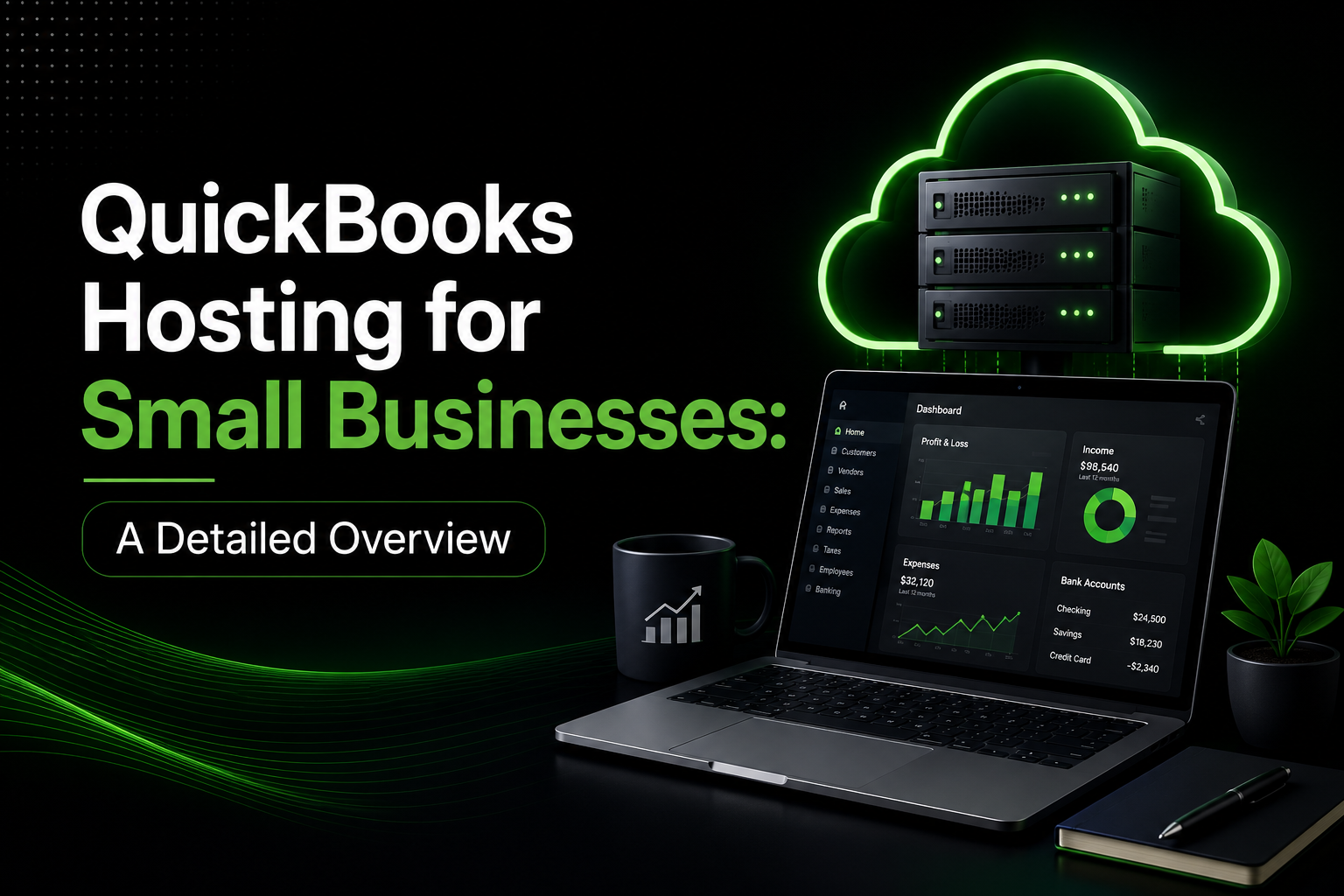
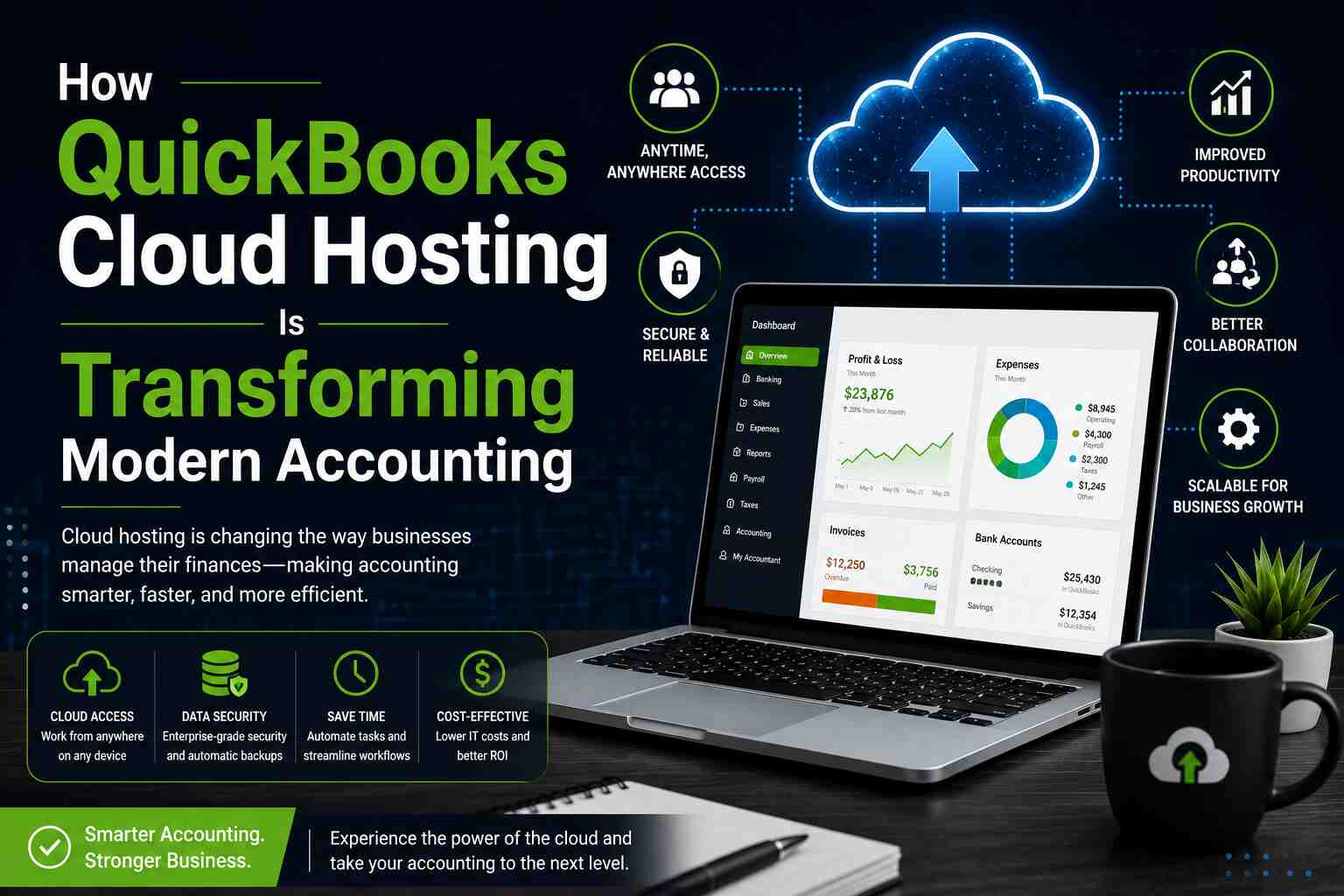
QuickBooks hosting refers to running the QuickBooks Desktop application on a remote server managed by a third-party hosting provider. Instead of the software living on your local computer, it lives in the cloud — and you access it through a secure remote desktop connection from any PC, Mac, tablet, or even a smartphone.
This model combines the advanced features of QuickBooks Desktop (such as industry-specific editions, robust reporting, and inventory management) with the flexibility and accessibility of cloud computing. Unlike QuickBooks Online, which is a separate browser-based product with a different feature set, QuickBooks hosting gives you the full Desktop experience without being tied to one machine.
How Does QuickBooks Hosting Work?
The process is straightforward. A hosting provider installs your licensed copy of QuickBooks on their secure, high-performance servers. You then log in through a remote desktop protocol (RDP) or a web-based portal and use QuickBooks exactly as you would on your own computer — with the same menus, features, and file access.
Your data is stored on the provider’s servers, which are typically backed up daily (or more frequently), protected by enterprise-grade firewalls, and housed in certified data centers. Multiple users in your team can log in simultaneously from different locations, making real-time collaboration seamless.
Key Benefits of QuickBooks Hosting for Small Businesses
Here are the top advantages that make QuickBooks hosting worth considering:
1. Access From Anywhere, Any Device
One of the biggest advantages of QuickBooks hosting is location independence. Whether you are working from home, traveling for business, or meeting a client at a coffee shop, your accounting data is always at your fingertips. This is especially valuable for small business owners who wear multiple hats and cannot always be at the office.
2. Automatic Backups and Data Security
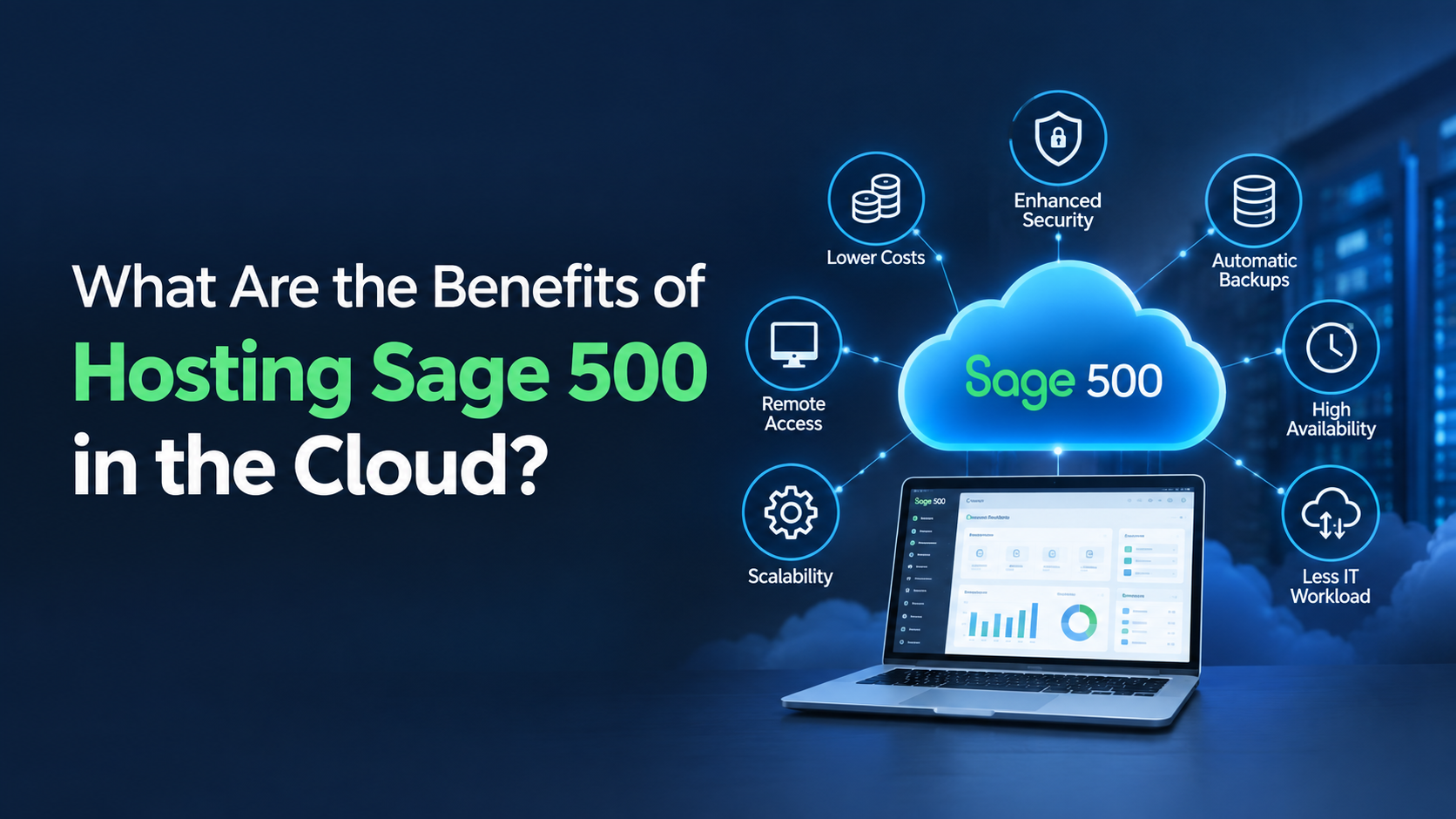
Reputable hosting providers invest heavily in security infrastructure that most small businesses simply cannot afford on their own. Your data is encrypted in transit and at rest, backed up automatically, and protected by multi-layered security protocols. In the event of a hardware failure or a cyberattack, your books remain safe and recoverable.
3. Multi-User Collaboration
With QuickBooks hosting, your accountant, bookkeeper, and internal team can all access the same file simultaneously — no emailing back files, no version conflicts, no waiting for someone else to log out. This real-time collaboration dramatically reduces errors and speeds up month-end close.
4. Reduced IT Burden
Hosting providers handle server maintenance, software updates, patches, and technical support. Small business owners no longer need to worry about whether their machine is fast enough to run QuickBooks, whether the latest update broke something, or what happens if the hard drive fails. The provider manages all of that on your behalf.
5. Scalability
As your business grows, your hosting plan can grow with it. Need to add another user? Add more storage? Upgrade server resources during tax season? Most providers offer flexible plans that let you scale up or down without any hardware purchases or complex upgrades.
QuickBooks Hosting vs QuickBooks Online: What Is the Difference?
This is one of the most common questions small business owners ask. Here is a clear breakdown:
- QuickBooks Online is a subscription-based, browser-native product built from the ground up for the cloud. It has a different interface and a slightly different feature set than Desktop.
- QuickBooks hosting takes the full QuickBooks Desktop software and delivers it via the cloud. You get every Desktop feature – including advanced inventory, job costing, and industry-specific editions – without being tied to a single machine.
- QuickBooks Online is easier to set up, while QuickBooks hosting is better suited for businesses that rely on Desktop-exclusive features or already have a Desktop workflow they do not want to change.
For many small businesses – particularly those in construction, manufacturing, or professional services – QuickBooks hosting offers the best of both worlds: desktop power with cloud convenience.
How to Choose the Right QuickBooks Hosting Provider
Not all hosting providers are equal. When evaluating your options, look for the following:
- Uptime guarantee: Look for 99.9% uptime or higher, backed by a clear SLA.
- Security certifications: SOC 2 Type II, PCI DSS, or similar certifications indicate robust data protection practices.
- Backup frequency: Daily automated backups are the minimum; look for providers offering more frequent or on-demand backups.
- Support quality: 24/7 support via phone, chat, and email is essential for a business-critical application.
- Pricing transparency: Watch out for hidden fees for extra users, storage, or support tickets.
- Performance: Ask about server specs, bandwidth, and average response times to ensure a smooth user experience.
Taking time to compare providers carefully will pay dividends in reliability and peace of mind down the road.
Is QuickBooks Hosting Right for Your Small Business?
QuickBooks hosting is an excellent fit for small businesses that:
- Use QuickBooks Desktop and want remote access without switching to a different product.
- Have a team of two or more users who need to work on the same company file.
- Work with an external accountant or bookkeeper who needs access to their books.
- Operate in an industry that relies on Desktop-specific features like job costing or advanced inventory.
- Want to reduce IT overhead and improve data security without a major investment.
If you are a sole proprietor with simple accounting needs, QuickBooks Online may be a more cost-effective starting point. But for growing small businesses with complex workflows, QuickBooks hosting delivers a compelling combination of power, flexibility, and security.
Final Thoughts
The shift to cloud-based accounting is not just a trend — it is a practical response to the way modern businesses operate. QuickBooks hosting bridges the gap between the powerful feature set of QuickBooks Desktop and the accessibility demands of today’s mobile, remote-first workforce.
For small businesses looking to streamline operations, improve collaboration, and protect their financial data, QuickBooks hosting is a solution well worth exploring. With the right provider, you can enjoy enterprise-grade infrastructure at a price point that fits a small business budget – and focus your energy where it matters most: growing your business.
Frequently Asked Questions (FAQs)
Q1. What is the difference between QuickBooks Hosting and QuickBooks Online?
QuickBooks Hosting provides the full QuickBooks Desktop experience in the cloud, while QuickBooks Online is a separate web-based accounting application with different features.
Q2. Is QuickBooks Hosting secure for financial data?
Yes. It uses security features like encryption, firewalls, multi-factor authentication, and automatic backups to protect your data.
Q3. Can multiple users access QuickBooks at the same time?
Yes. QuickBooks Hosting supports multi-user access, allowing teams and accountants to work on the same file simultaneously.
Q4. What happens to my data if I stop using QuickBooks Hosting?
You can export and retain your company files. Most providers help you migrate your data to another platform or local system.
Q5. How much does QuickBooks Hosting cost?
Costs typically range from $30 to $75 per user per month, depending on the provider, resources, and support included.