

 English



































































































































































































































































































































































































































































































































































































































































































































































































































































































































































































































































































































































































































































































































































































































































How Android Apps Are Changing the Modern Mobile Experience

Priyanka bought a Galaxy Z Fold8 this year mostly for the bigger screen, and the first week disappointed her more than she expected. Half her apps stretched into an awkward, oversized version of the same phone layout instead of actually using the extra space, controls sitting too close to the crease, video calls cropped strangely across the fold. A month later, after a wave of app updates rolled through, the same phone felt like a genuinely different device. Her email app split into two panels automatically. Her banking app moved key buttons off the hinge without her doing anything. Nothing about her phone had changed. The apps running on it finally had.
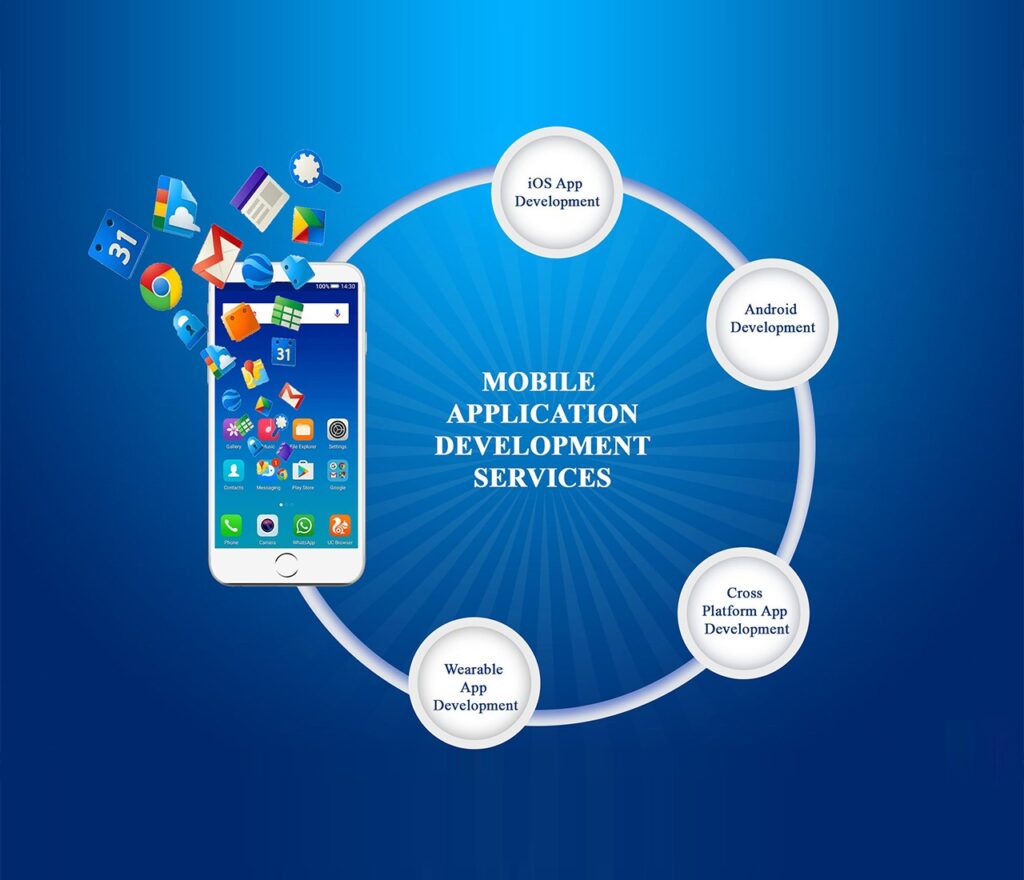
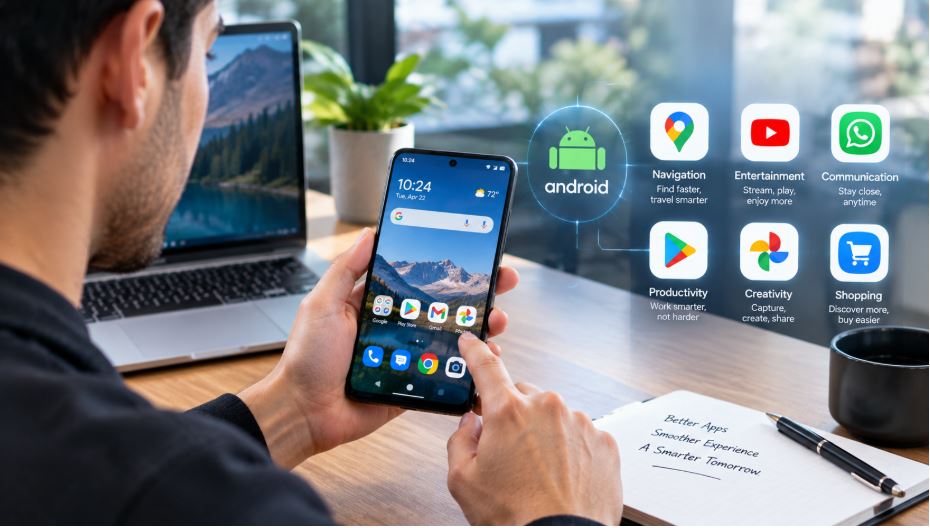
That gap between hardware capability and software catching up to it is exactly the kind of problem an Android app development company is being hired to solve constantly right now, because Android in 2026 looks less like a single, predictable form factor and more like a whole family of them, phones, foldables, tablets, wearables, and desktop-mode windows all expected to run the same app well. Android already powers close to four billion active devices worldwide, and the platform’s own priorities have shifted hard this year toward making sure an app actually adapts to wherever it’s running rather than just technically functioning there. Here’s what’s actually changed, and why it matters well beyond people who happen to own a folding phone.
Foldables Forced a Real Rethink, Not Just a Bigger Screen
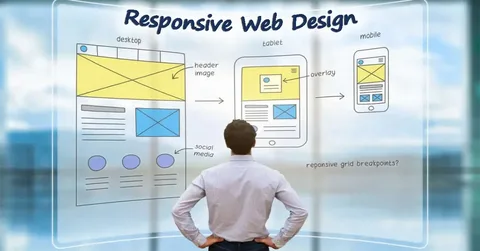
For years, the practical answer to “does this app work on a foldable” was some version of “it stretches without crashing,” which is a low bar that left a lot of screen real estate genuinely wasted. That’s shifting fast. Foldable shipments are projected to grow roughly thirty percent this year alone, and Google has responded with real tooling rather than just guidance, a new Grid API, a FlexBox layout API, and a MediaQuery API inside Jetpack Compose that let a layout genuinely adapt to a changing screen size, fold state, or keyboard configuration without a developer hardcoding rules for every possible device shape. Apps are also being pushed to become “fold aware,” detecting the actual hinge and adjusting so critical buttons never sit across the crease and so the app remembers its state correctly when a user folds or unfolds the device mid-task. Priyanka’s email app splitting cleanly into two panels wasn’t a hidden feature that had been sitting there unused, it required real engineering work most apps hadn’t done until this year’s wave of updates.
Material You Is Becoming Something Closer to an Actual Assistant
Android’s visual design language has moved well past color theming pulled from a wallpaper. The current iteration leans into what’s being described as zero-UI thinking, interfaces that reorder themselves based on actual usage patterns rather than staying static, surfacing the module a person checks every day at a predictable time before they even have to look for it. Depth and elevation are being used more deliberately too, subtle spatial layering that’s partly aesthetic and partly a quiet bridge toward the eventual mixed-reality and spatial computing devices Android is positioned to support down the line. None of this is subtle branding language for its own sake. Apps that adapt to a specific user’s context this way are showing meaningfully better retention than static interfaces that treat every user identically, which is turning what used to be a nice-to-have polish item into a real competitive factor.
One Codebase Now Has to Reach Further Than Ever
The traditional Android development target, a single phone screen in portrait orientation, essentially no longer describes the actual install base. Developers are now expected to think in terms of phones, tablets, foldables, desktop-mode Android windows, and increasingly iOS as well, through Kotlin Multiplatform letting a shared logic core run across nearly all of it from one codebase. That’s a meaningfully bigger ask than cross-platform development used to be even three years ago, when “cross-platform” mostly meant reaching two mobile operating systems rather than an entire spread of screen sizes and device categories at once. Teams that treat this as a from-day-one architectural decision tend to end up with a genuinely more maintainable app than teams trying to retrofit multi-device support onto something built narrowly for a single phone screen size.
On-Device AI Has Quietly Become the Default, Not the Feature
AI in Android apps has moved past chatbots and product recommendations into something more foundational: on-device processing that runs faster, costs less to operate, and keeps a user’s data on their own hardware rather than routing every request through a cloud service. That shift touches an enormous range of ordinary features, predictive text, smarter camera processing, voice interfaces that feel genuinely conversational rather than command-based, without any single one of them necessarily being the headline feature a user notices. The practical effect for a business building an Android app is that AI has stopped being a differentiator worth highlighting on its own and started being closer to table stakes, a baseline expectation rather than a premium add-on that justifies a higher price point by itself.
Where Emulators Fit Into How This Actually Gets Built and Tested
None of this multi-device complexity gets tested exclusively on physical hardware, since no development team owns every folding phone, tablet, and screen size a real user actually has. This is where the best Android emulators for PC and Mac earn their place in a serious development workflow, letting a team simulate a folded state, a tablet aspect ratio, or a specific Android version without owning the physical device for every single configuration. Beyond development itself, emulators have also become a genuinely mainstream way for everyday users to run Android apps and mobile games directly on a larger PC or Mac screen, which businesses building for Android increasingly have to keep in mind, since a meaningful slice of engagement with some apps now happens through an emulator rather than an actual phone.
Wearables and Cars Are Quietly Part of the Same Design Problem Now
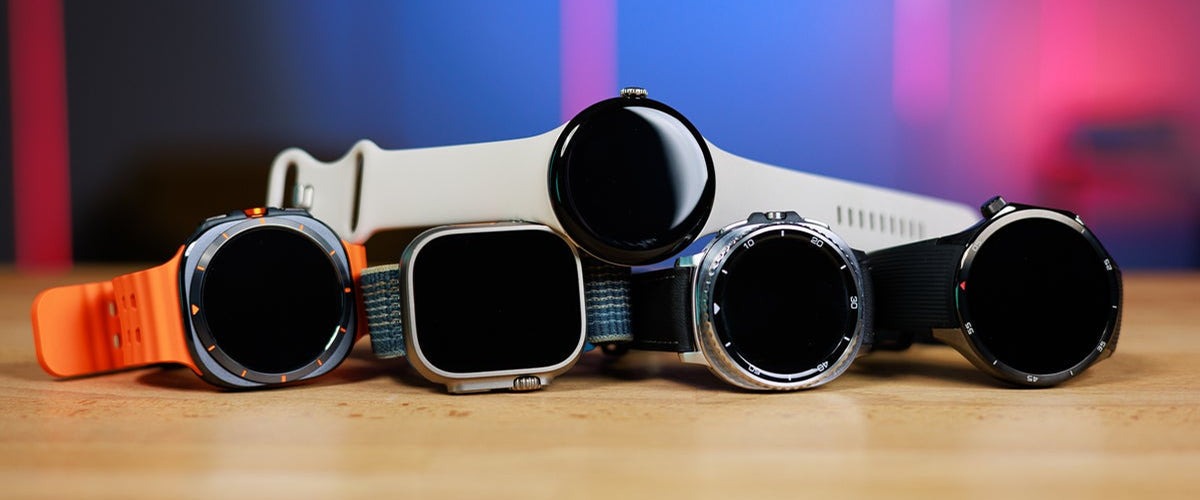
Foldables get most of the attention because they’re visually dramatic, but the same underlying shift, one app adapting intelligently across very different physical contexts, is playing out just as much with Wear OS watches and Android’s automotive integrations. An app built for a five-inch phone screen doesn’t just need to shrink to fit a watch face, it needs to rethink which single piece of information actually matters at a glance, since a driving navigation prompt or a fitness metric surfacing on a wrist has to work in a fraction of a second of a user’s attention rather than the extended engagement a phone screen assumes. Businesses treating wearable and in-car support as a proper design target from the start, rather than a stripped-down afterthought bolted onto an existing phone interface, are seeing meaningfully better engagement in exactly the categories where quick glances matter most, health tracking, navigation, and time-sensitive notifications.
Privacy-First Design Has Moved From Compliance to Competitive Advantage
Alongside all the device-spanning technical work, Android’s broader direction this year has leaned hard into privacy-first architecture as a baseline expectation rather than a regulatory checkbox handled quietly in the background. On-device AI processing plays directly into this shift, since keeping more computation on the device itself naturally means less user data ever has to leave it in the first place. Users have grown noticeably more attentive to what a permission request is actually asking for and why, and apps that are transparent about data handling, request only what a feature genuinely needs, and explain clearly why they need it are earning a real trust advantage over apps that still default to requesting broad access out of habit rather than necessity. That shift changes what a well-built Android app actually looks like under the hood, not just what it looks like on screen.
The 5G and Edge Layer Nobody Notices Until It’s Missing
One more shift sits quietly underneath nearly everything already described here: faster, more reliable connectivity increasingly lets an app push heavier processing to the edge of the network rather than doing everything locally or waiting on a distant cloud server. That matters for exactly the kind of real-time responsiveness a folding screen, a wearable glance, or a voice interface all depend on, since a half-second lag that felt acceptable a few years ago now reads as broken on a device designed around instant, glanceable interaction. Businesses rarely market this layer directly to users, nobody chooses an app because of its network architecture, but it’s frequently the difference between a feature that feels genuinely responsive and one that feels subtly behind, even when the visible interface looks identical on paper.
What This Means for a Business Deciding to Build
A company commissioning an Android app today is making a meaningfully bigger commitment than it would have three or four years ago, not because Android got harder to develop for in the basic sense, but because doing it well now means genuinely supporting a spread of device types rather than shipping one layout everywhere and calling it done. That raises the bar for what “finished” looks like, but it also means an app built well against this broader standard holds up across a wider range of real user devices than a narrowly built one ever would, which increasingly shows up directly in retention numbers rather than staying an abstract quality concern.
What Changed on Priyanka’s Phone
Priyanka never adjusted a setting or downloaded anything extra to fix what had frustrated her that first week. The apps she already had simply got better at understanding the device she was actually using, splitting cleanly across a fold instead of stretching awkwardly over it, moving controls away from a hinge without being told to. That’s the real story running underneath Android’s platform shifts this year, not a flashier headline feature, but ordinary apps finally catching up to hardware that had been capable of more than the software running on it for longer than anyone using it probably realized. The phone in her hand didn’t get smarter this year. The software finally learned to see it clearly.