

 English






































































































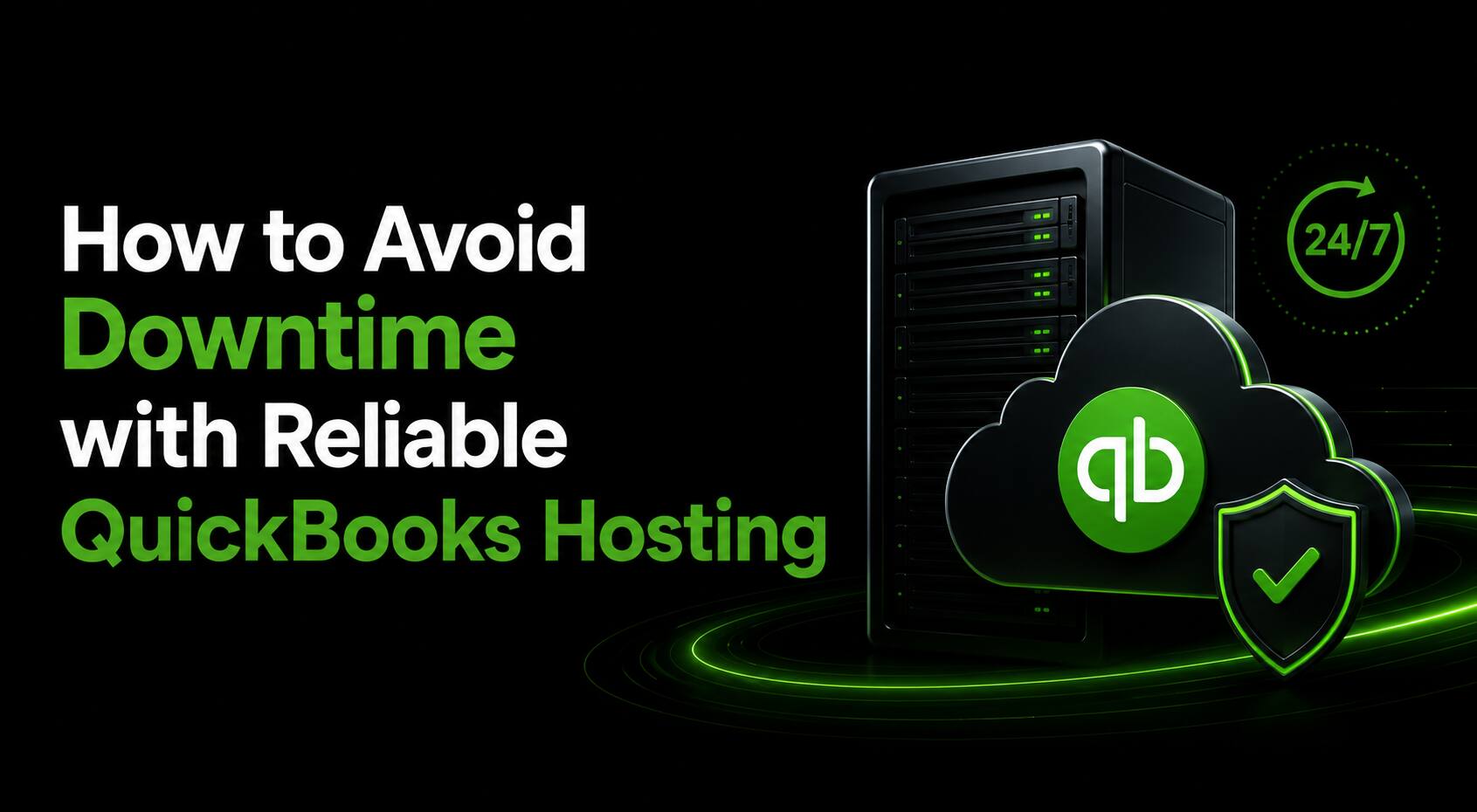









































































































































































































































































































































































































































































































































































































































































































































































































































































































































































































































































































































































































































































































































































































































































































































































































How to Avoid Downtime with Reliable QuickBooks Hosting


Running a business without access to your accounting software can be costly — missed invoices, delayed payroll, frustrated teams, and lost revenue. Downtime is not just an inconvenience; it’s a business risk. That’s why choosing the right QuickBooks hosting solution is one of the most important infrastructure decisions you can make.
In this article, we’ll walk you through what causes downtime, what to look for in a hosting provider, and the best practices to ensure your QuickBooks environment stays up and running around the clock.
What is QuickBooks Hosting?
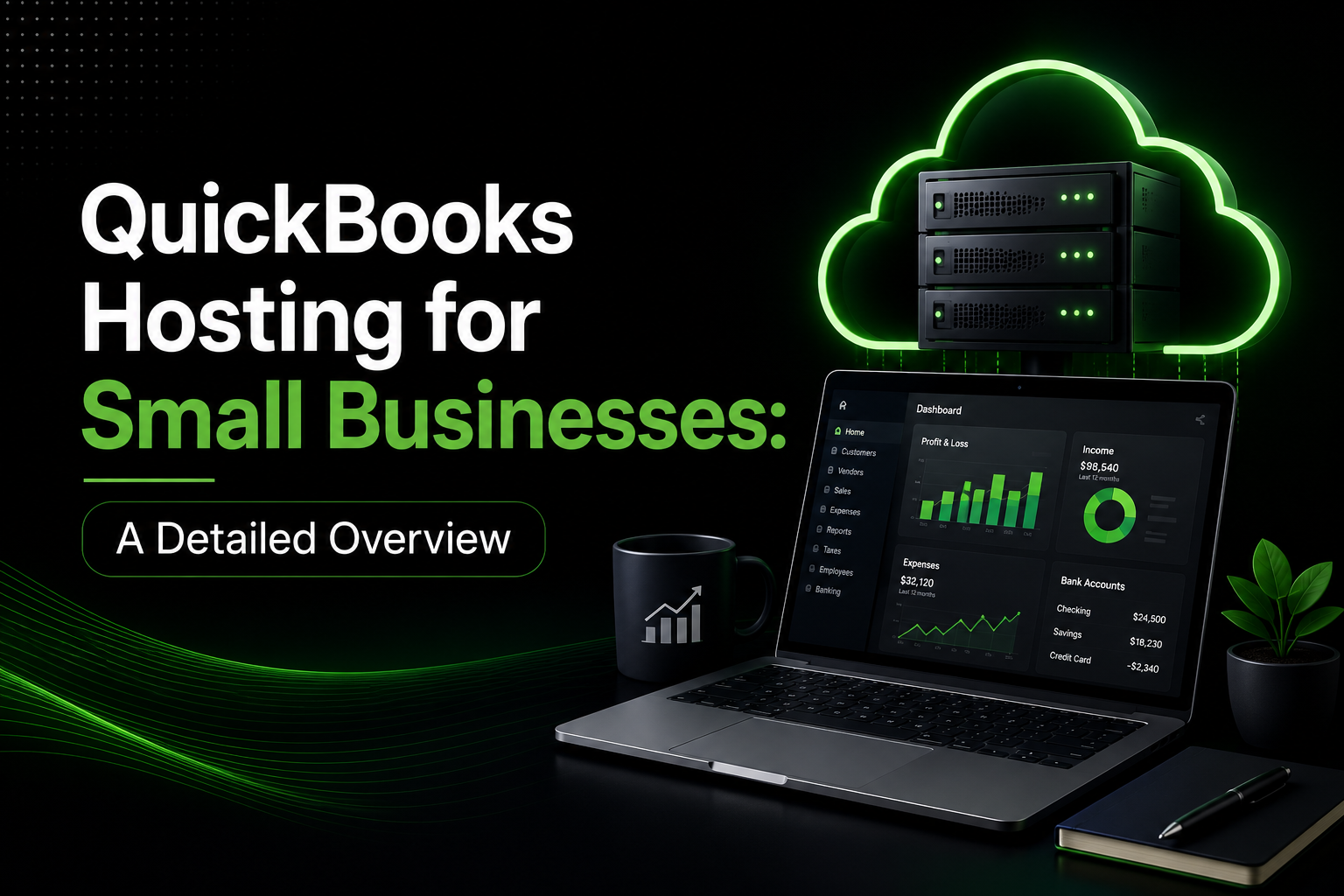
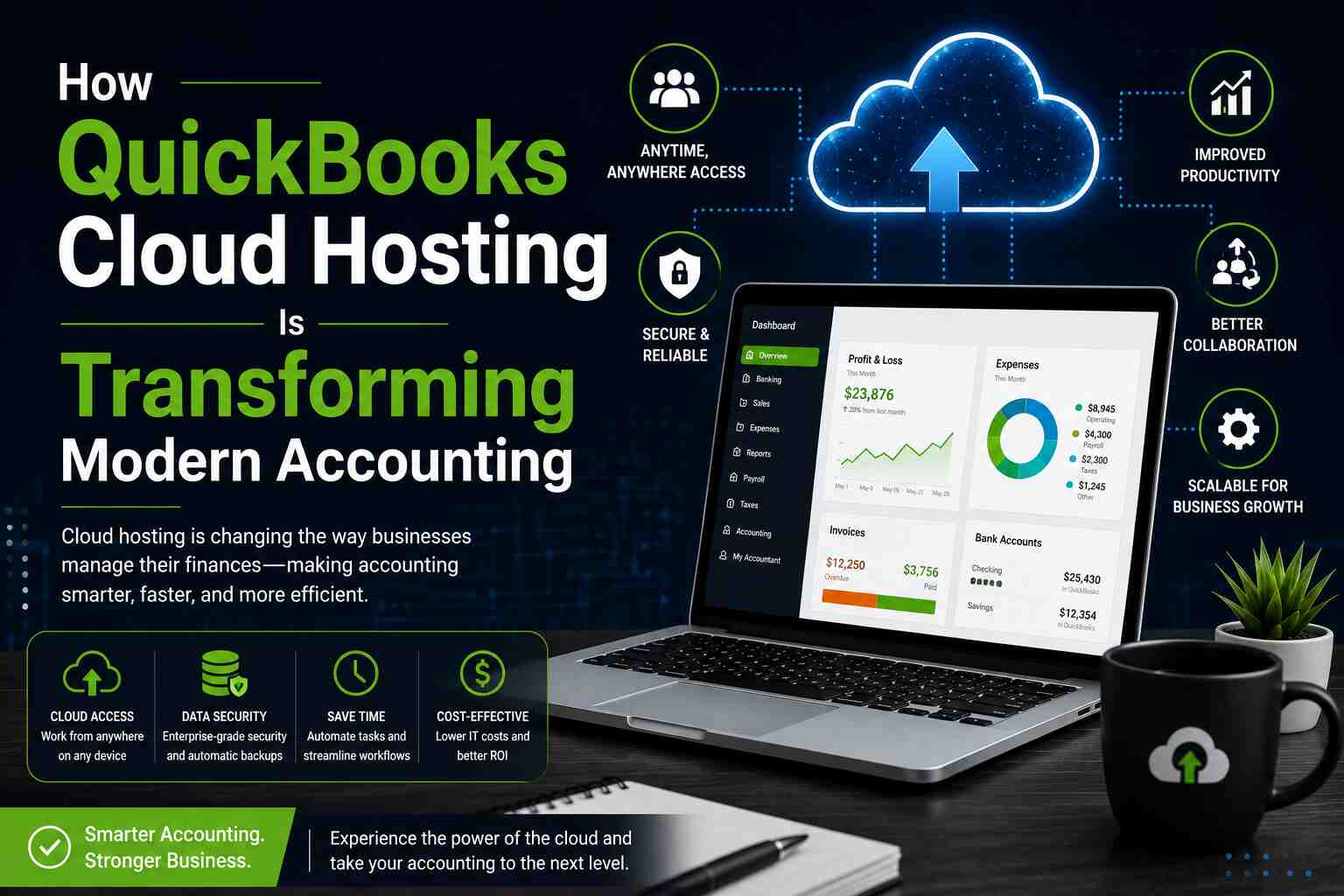
QuickBooks hosting refers to running Intuit’s QuickBooks Desktop software on remote cloud servers rather than a local machine. Instead of tying your accounting data to a single computer, it lives in a secure data center accessible from any device with an internet connection.
This cloud-based model offers significant advantages:
- Multi-user access from any location or device
- Centralized, backed-up data with no reliance on a single machine
- IT management handled by the hosting provider
- Scalability as your team and data needs grow
However, not all hosting providers are created equal — and the wrong choice can expose your business to unnecessary downtime.
Common Causes of QuickBooks Downtime
Before you can prevent downtime, you need to understand what causes it:
- Hardware Failures – On-premise setups are vulnerable to hard drive crashes, power surges, and physical damage. Without redundant infrastructure, a single hardware failure can take down your entire accounting system.
- Software Conflicts and Updates – Poorly managed updates to Windows, QuickBooks, or third-party integrations can cause crashes or compatibility issues — especially in unmanaged on-prem environments.
- Cybersecurity Incidents – Ransomware attacks and data breaches can lock users out of QuickBooks entirely, sometimes for days or weeks.
- Internet or Network Outages – Even cloud-hosted environments are vulnerable if the hosting provider has poor network redundancy or a single point of failure in connectivity.
- Inadequate Backup and Recovery – Without proper backup protocols, even minor data corruption can turn into a major outage requiring manual recovery.
What to Look for in a Reliable QuickBooks Hosting Provider
Choosing the right QuickBooks Hosting provider is your single biggest lever for preventing downtime. Here’s what to evaluate:
1. Uptime SLA (99.9% or Higher)
Always look for a Service Level Agreement (SLA) that guarantees at least 99.9% uptime — that’s less than 9 hours of total downtime per year. Top-tier providers often guarantee 99.99%, which translates to under an hour annually.
2. Redundant Infrastructure
Ask whether the provider uses:
- RAID storage arrays to protect against disk failures
- Multiple data centers or geographic redundancy
- Redundant power supplies and UPS systems to handle outages
- Load balancing to distribute traffic and prevent single points of failure
3. Enterprise-Grade Security
Downtime from cyberattacks is increasingly common. Look for providers that offer:
- SSL encryption for data in transit
- Firewalls and intrusion detection systems
- Role-based access controls
- Regular security audits and compliance certifications (SOC 2, ISO 27001)
4. Automated Backups with Fast Recovery
Your hosting provider should perform daily automated backups at a minimum — ideally with multiple restore points available. Crucially, they should be able to restore your environment quickly (within hours, not days) in the event of data loss.
5. 24/7 Expert Support
Downtime doesn’t wait for business hours. Ensure your QuickBooks Hosting provider offers round-the-clock technical support with QuickBooks-certified staff who can resolve issues fast.
6. Dedicated vs Shared Hosting
Shared hosting environments mean your server resources are divided among multiple tenants. A traffic spike from another customer can slow your system. Dedicated hosting gives you exclusive resources, ensuring consistent performance regardless of external load.
Best Practices to Minimize QuickBooks Downtime
Even with a great hosting provider, your internal practices matter. Here are proven steps to keep your environment stable:
- Schedule Updates During Off-Hours – QuickBooks and Windows updates should be tested and deployed during non-peak hours — ideally late nights or weekends — to minimize disruption if something goes wrong.
- Implement Multi-Factor Authentication (MFA) – Compromised credentials are a leading cause of unauthorized access and data incidents. MFA adds a critical layer of protection without adding friction to legitimate users.
- Monitor System Performance Proactively – Don’t wait for users to report slowdowns. Use monitoring tools to track server CPU, memory, disk I/O, and network latency. Most enterprise QuickBooks Hosting providers include monitoring dashboards.
- Test Your Backups Regularly – A backup is only as good as its restore. Run quarterly restore drills to confirm your backups are complete, uncorrupted, and restorable within your required recovery time objective (RTO).
- Document a Disaster Recovery Plan – Every business using hosted QuickBooks should have a written plan that answers: What do we do if the system goes down? Who do we call? What’s the escalation path? This reduces panic and speeds up resolution.
- Limit User Permissions – Restricting access to only what each user needs reduces the blast radius of accidental file deletions, misconfigurations, or credential theft.
The Business Cost of Downtime — Why It Matters
According to industry research, unplanned downtime can cost small businesses anywhere from $427 to over $9,000 per hour, depending on the size of the organization and the systems affected. For accounting teams, the impact is compounded:
- Invoices can’t be sent → cash flow suffers
- Payroll can’t be processed → employee trust is damaged
- Month-end close is delayed → financial reporting suffers
- Client commitments are missed → reputation takes a hit
Investing in enterprise-grade QuickBooks Hosting is far less expensive than the recurring cost of preventable downtime.
Cloud Hosting vs. On-Premise: Uptime Comparison
| Feature | On-Premise | QuickBooks Cloud Hosting |
| Hardware Redundancy | Limited | Enterprise-grade |
| Uptime Guarantee | None | 99.9%–99.99% SLA |
| Backup Frequency | Manual/Daily | Automated & Continuous |
| Security Management | In-house | Managed by Provider |
| Recovery Time | Hours to Days | Minutes to Hours |
| IT Maintenance Burden | High | Minimal |
| Scalability | Limited | On-Demand |
The data is clear: cloud-hosted environments consistently outperform on-premise setups in every dimension that matters for uptime and reliability.
Final Thoughts
Avoiding downtime starts with choosing the right partner. Apps4Rent is a trusted, Intuit-authorized QuickBooks Hosting provider with a proven track record of delivering enterprise-grade uptime, security, and performance for businesses of all sizes.
Here’s why thousands of businesses rely on Apps4Rent:
- 99.99% uptime SLA backed by redundant data centers
- 24/7/365 expert support from QuickBooks-certified technicians
- Automated daily backups with rapid restore capabilities
- Military-grade security with SOC 2 compliance and end-to-end encryption
- Dedicated server options for maximum performance and isolation
- Flexible, scalable plans that grow with your business
Don’t let preventable downtime disrupt your business operations. Make the smart move to a hosting environment built for reliability.
Ready to Experience Zero-Downtime QuickBooks Hosting?
Contact Apps4Rent now to get a free consultation and find the right QuickBooks Hosting plan for your business. Their team of experts is available 24/7 to answer your questions and help you migrate seamlessly.
Frequently Asked Questions
1. What is the typical uptime guarantee for QuickBooks Hosting services?
Most reputable QuickBooks Hosting providers offer an uptime SLA of 99.9% to 99.99%. This means your system is guaranteed to be available almost all of the time, with any downtime typically limited to minutes per month.
2. How does cloud QuickBooks Hosting prevent data loss during an outage?
Enterprise hosting providers use automated, redundant backup systems that continuously or frequently copy your data to secure offsite storage. In the event of hardware failure, cyberattack, or natural disaster, your data can be restored from a recent backup — often within hours. This is far more reliable than local backups on a single machine.
3. Can I access QuickBooks from multiple locations with hosted QuickBooks?
Yes — that’s one of the primary advantages of QuickBooks Hosting. Your QuickBooks environment runs on a remote server, which means you and your team can securely log in from any device (Windows PC, Mac, tablet, or even mobile) and any location with an internet connection, without any loss of functionality.
4. Is QuickBooks Hosting secure enough for sensitive financial data?
Absolutely. Reputable hosting providers implement enterprise-level security measures including SSL/TLS encryption, multi-factor authentication, firewall protection, intrusion detection systems, and compliance with industry standards like SOC 2 and ISO 27001. This level of security typically exceeds what small to mid-sized businesses can achieve with on-premise infrastructure.