

 English









































































































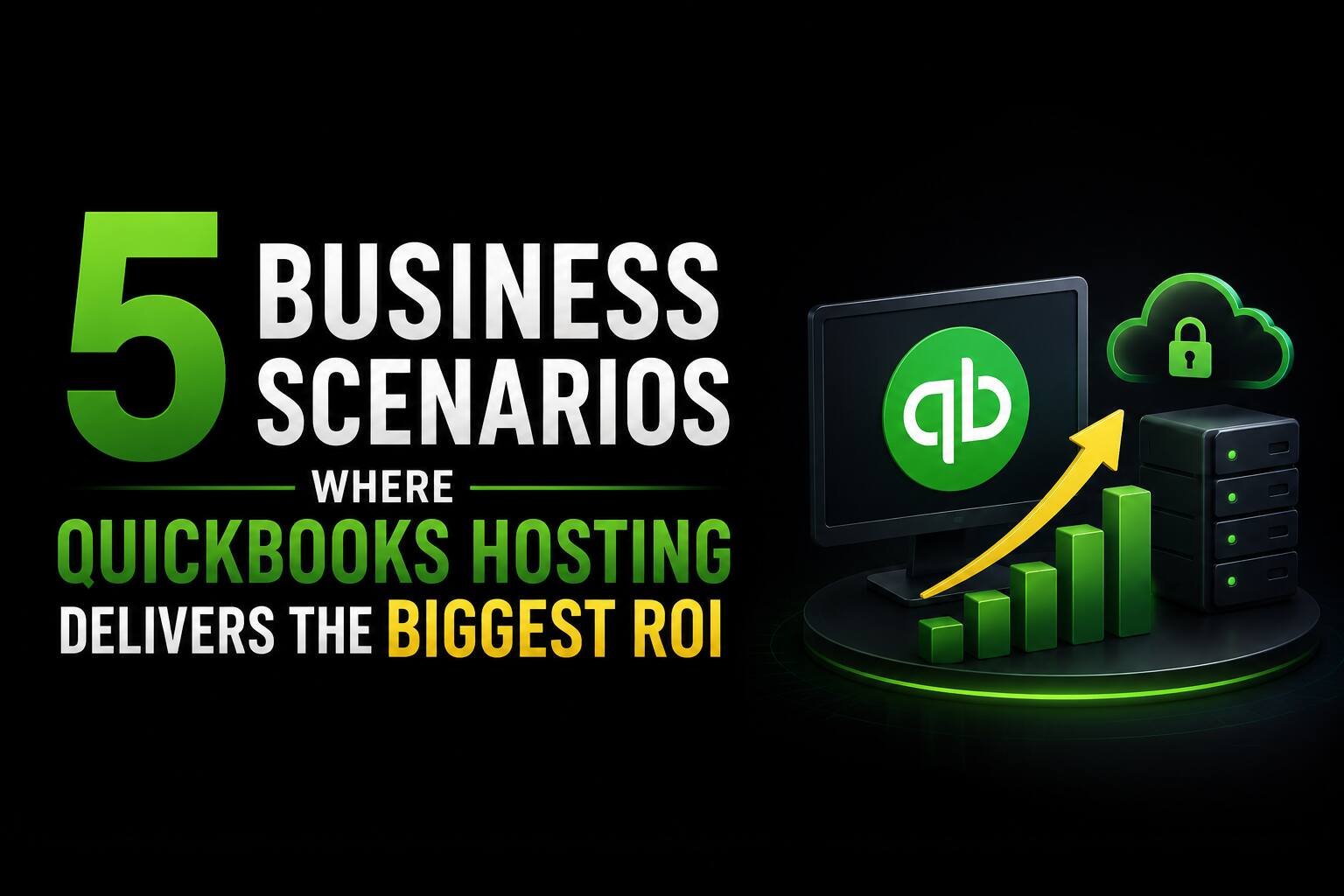











































































































































































































































































































































































































































































































































































































































































































































































































































































































































































































































































































































































































































































































































































































































































































































































5 Business Scenarios Where QuickBooks Hosting Delivers the Biggest ROI

For many businesses, QuickBooks is the backbone of accounting, payroll, invoicing, and financial reporting. However, running QuickBooks on a single office computer or maintaining an on-premises server can create challenges as your business grows. Limited accessibility, hardware failures, IT maintenance, and collaboration issues often reduce productivity and increase operating costs.
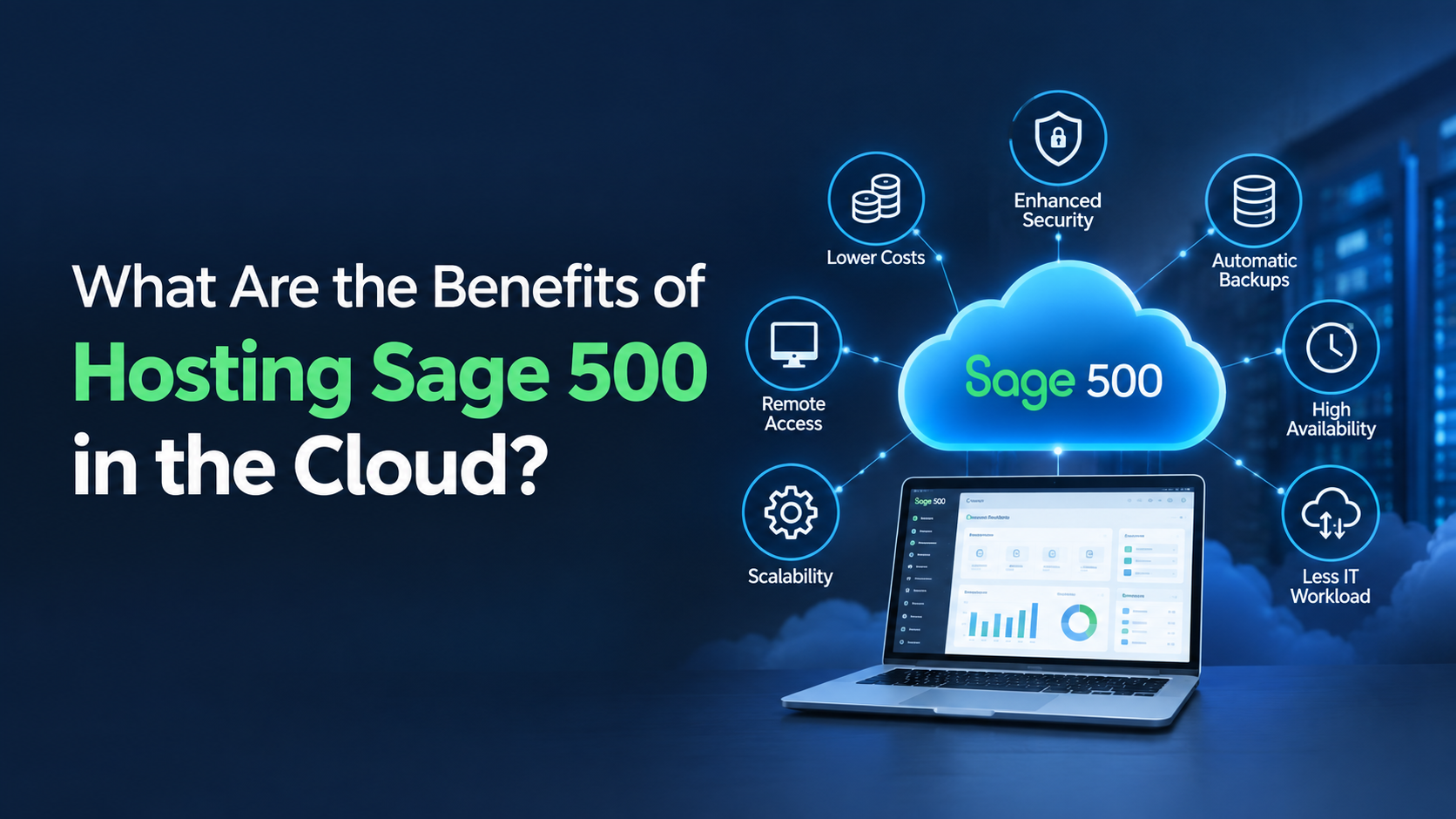
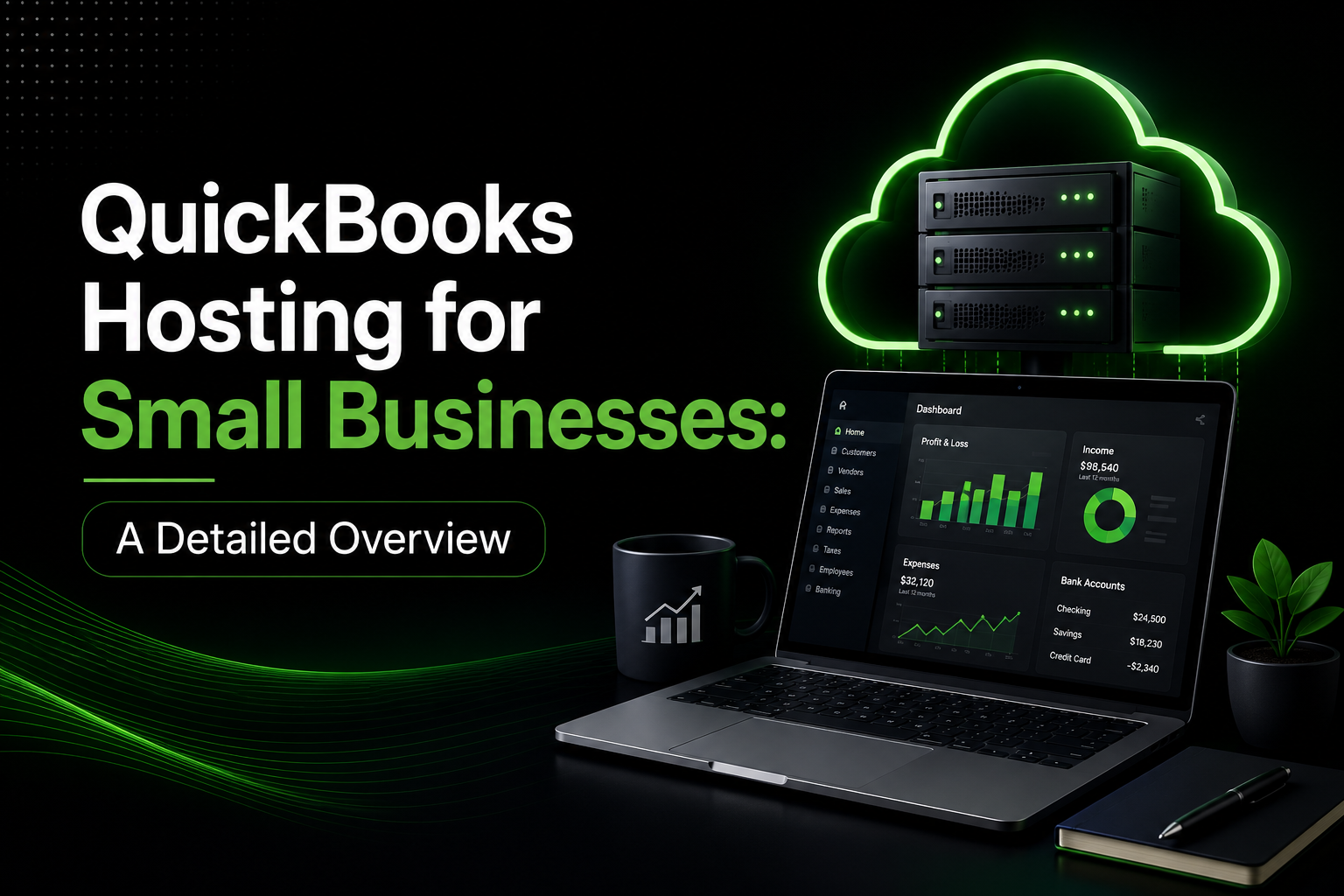
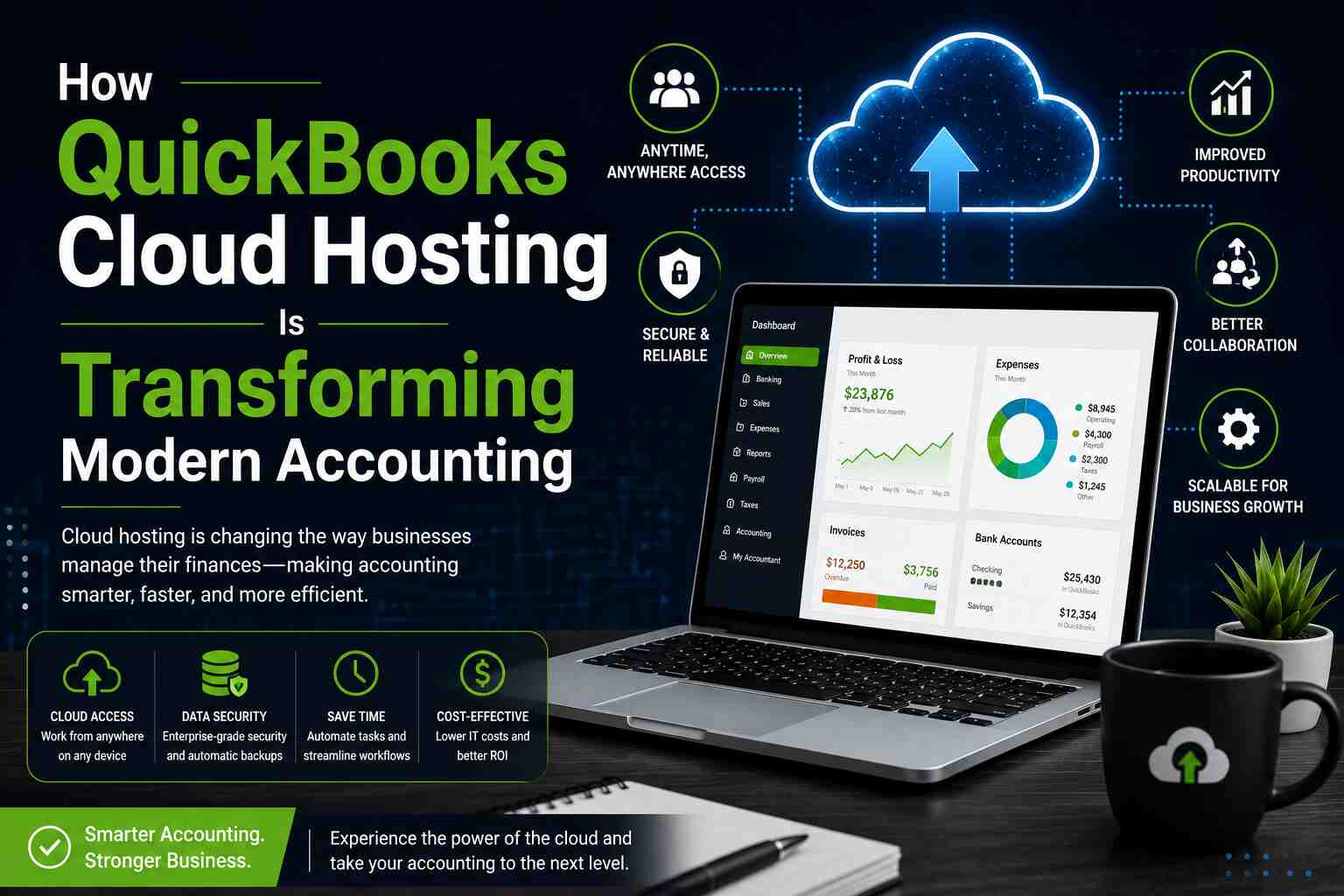
This is where QuickBooks Hosting provides measurable value. Instead of installing QuickBooks on a local computer or office server, hosting moves your QuickBooks environment to a secure cloud infrastructure. Authorized users can access their accounting software from virtually anywhere while benefiting from enterprise-grade security, automated backups, and high availability.
But does QuickBooks hosting really provide a return on investment (ROI)?
The answer depends on your business needs. In many cases, organizations recover their investment through reduced IT expenses, improved employee productivity, minimized downtime, and better operational efficiency.
Let’s explore five business scenarios where QuickBooks Hosting delivers the greatest ROI.
Scenario 1: Businesses with Remote or Hybrid Employees
Remote and hybrid work have become a standard part of modern business operations. Accounting teams frequently work from home, travel between offices, or collaborate with external accountants and financial consultants. Traditional QuickBooks installations make this difficult because employees often depend on VPN connections, remote desktop solutions, or manually shared files. These approaches can lead to slow performance, version conflicts, restricted access, and delays in completing financial tasks.
QuickBooks Hosting eliminates these obstacles by allowing every authorized user to access the same live QuickBooks environment from any internet-connected device. Team members can work simultaneously without creating duplicate files or waiting for someone else to finish using the software. This improves collaboration, speeds up financial reporting, enhances customer response times, and allows accounting operations to continue uninterrupted regardless of employee location. As a result, businesses experience higher productivity while supporting greater workplace flexibility.
Scenario 2: Growing Businesses Adding More Users
As businesses expand, their accounting requirements naturally become more complex. Hiring additional accountants, payroll specialists, bookkeepers, or financial managers often places significant pressure on locally installed QuickBooks environments. Older servers may struggle to support additional users, software updates become more time-consuming, and managing user permissions requires greater IT involvement.
QuickBooks Hosting offers a scalable solution that grows alongside the business. New users can be added quickly without investing in expensive server upgrades or replacing aging hardware. Because the hosting provider manages the underlying infrastructure, businesses can easily expand their accounting team while maintaining consistent performance. Instead of making large capital investments every few years, organizations only pay for the resources they currently need, making growth more affordable and predictable.
Scenario 3: Companies Looking to Reduce IT Costs
Maintaining an on-premises QuickBooks environment involves much more than purchasing a server. Businesses must also budget for hardware replacements, maintenance contracts, software licensing, electricity, cooling systems, backup infrastructure, and ongoing IT support. These recurring expenses often increase significantly over time while creating additional management responsibilities for internal IT teams.
By moving QuickBooks to the cloud, much of this infrastructure is managed by the hosting provider. Businesses no longer need to worry about maintaining servers, replacing failed hardware, or performing routine system maintenance. Instead, they benefit from predictable monthly pricing while reducing unexpected repair costs and lowering the workload placed on internal IT staff. For many small and medium-sized businesses, these savings alone can generate a substantial return on investment.
Scenario 4: Businesses That Cannot Afford Downtime
Accounting systems play a critical role in daily business operations. Even a few hours of downtime can delay customer invoicing, payroll processing, vendor payments, financial reporting, tax preparation, and month-end closing activities. Hardware failures, power outages, or unexpected disasters can bring local accounting operations to a standstill, creating costly interruptions and frustrated customers.
Professional QuickBooks Hosting environments are designed to minimize these risks through redundant infrastructure, automated backups, disaster recovery capabilities, high-availability servers, and continuous monitoring. These features significantly reduce the likelihood of prolonged outages while enabling faster recovery if problems occur. Preventing even a single major disruption can often justify the cost of hosting, making it a valuable investment for businesses that rely heavily on uninterrupted access to financial data.
Scenario 5: Businesses Working with External Accountants or Multiple Locations
Many organizations regularly collaborate with external CPAs, tax professionals, bookkeepers, financial consultants, or employees across multiple office locations. When QuickBooks is installed locally, sharing company files often requires emailing backups or transferring files manually. This process increases the risk of duplicate data, version mismatches, security concerns, and unnecessary delays.
QuickBooks Hosting centralizes the company file so every authorized user works within the same environment in real time. Administrators can assign customized permissions to ensure each individual accesses only the information necessary for their role. This streamlined approach improves collaboration, increases data accuracy, simplifies file management, and enables faster decision-making across departments and locations. Businesses benefit from greater operational efficiency while eliminating many of the challenges associated with traditional file sharing.
Additional Benefits That Improve ROI
Beyond these five scenarios, QuickBooks Hosting provides several long-term advantages that contribute to overall business value.
1. Enhanced Security
Professional hosting environments typically include:
- Multi-factor authentication
- Data encryption
- Firewall protection
- Antivirus monitoring
- Intrusion detection
- Secure user access controls
Strong security helps protect sensitive financial information while reducing the likelihood of costly data breaches.
2. Automatic Backups
Manual backups are often forgotten until data is lost.
Hosted environments generally perform scheduled backups automatically, making recovery faster and reducing the risk of permanent data loss.
3. Easier Software Updates
Installing QuickBooks updates across multiple office computers can consume valuable IT time.
With hosted environments, updates are managed centrally, ensuring users always have access to the latest supported version.
4. Improved Business Scalability
Whether your business grows from five employees to fifty or expands across multiple offices, QuickBooks Hosting makes it easier to scale without replacing servers or rebuilding your IT infrastructure.
Final Thoughts
QuickBooks Hosting is more than a way to access your accounting software remotely—it is a strategic investment that can improve productivity, reduce IT costs, strengthen data security, and support business growth.
Whether your organization is expanding, embracing remote work, collaborating with external accountants, or looking to eliminate expensive server maintenance, the right hosting solution can deliver measurable returns over time.
By evaluating your current infrastructure, operational challenges, and future goals, you can determine whether QuickBooks Hosting is the right choice for maximizing your return on investment while creating a more flexible and resilient accounting environment.
Frequently Asked Questions
1. Which Businesses Benefit Most from QuickBooks Hosting?
Small businesses, accounting firms, growing companies, multi-location organizations, and businesses with remote employees typically see the greatest value from QuickBooks Hosting.
2. How does QuickBooks Hosting reduce costs?
It reduces expenses by eliminating the need for expensive servers, lowering IT maintenance costs, minimizing downtime, automating backups, and improving employee productivity.
3. Can multiple users access QuickBooks simultaneously?
Yes. QuickBooks Hosting allows authorized users to work on the same company file at the same time from different locations, making collaboration much easier.
4. Is QuickBooks Hosting secure?
Reputable hosting providers use enterprise-grade security measures such as encrypted connections, firewalls, multi-factor authentication, regular backups, and continuous monitoring to protect financial data.
5. How can I calculate the ROI of QuickBooks Hosting?
Compare your current costs for hardware, server maintenance, IT support, downtime, and productivity losses with the monthly cost of hosting. Many businesses find that savings from improved efficiency and reduced infrastructure expenses outweigh the investment over time.