

 English





















































































































































































































































































































































































































































































































































































































































































































































































































































































































































































































































































































































































































































































































































































































































































































































































































































































































Building Digital Tools That Scale With Your Business Growth


In today’s competitive business environment, growth is not just about increasing revenue, acquiring more customers, or expanding into new markets. It is also about having the right technology to support every stage of that growth. As businesses evolve, their operational needs become more complex, customer expectations change, and existing software systems may struggle to keep up. Tools that once worked perfectly for a small team can eventually become obstacles when the organization starts handling larger workloads, more transactions, and multiple business processes.
This is where scalable digital solutions become essential.
Building digital tools that grow at the same pace as your business means investing in technology that can adapt to changing requirements without requiring a complete overhaul every time your company reaches a new milestone. Whether you are a startup preparing for expansion, an established company improving operational efficiency, or an enterprise modernizing its technology infrastructure, the right digital solution can make long-term growth easier to manage.
However, creating technology that supports business growth requires more than developing an application with attractive features. It involves understanding business objectives, anticipating future requirements, selecting appropriate technologies, and designing an architecture that can accommodate change.
Let’s explore how businesses can build digital tools that remain useful, efficient, and relevant as their operations expand.
1. Why Businesses Need Technology That Evolves With Them
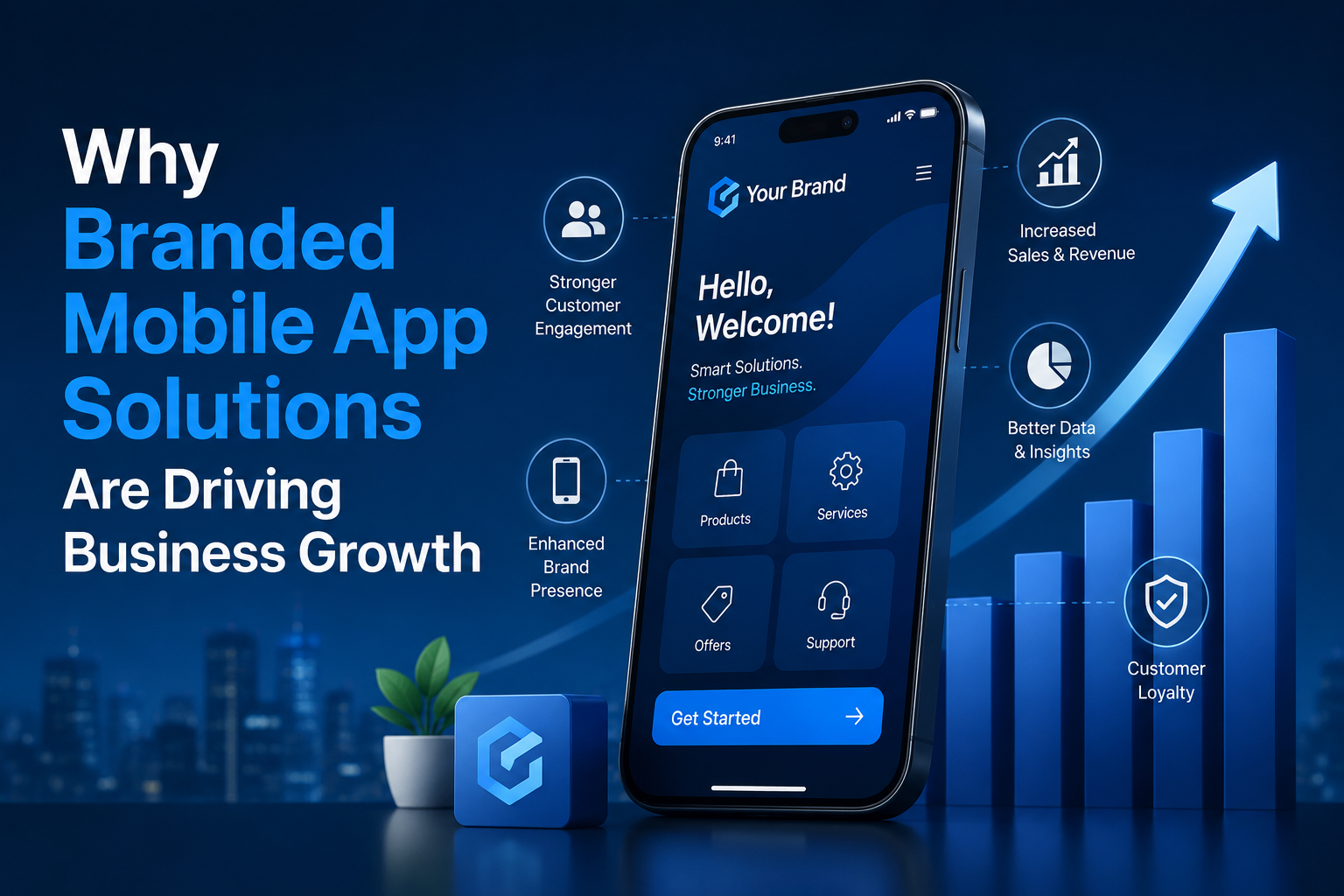
Every business goes through different growth stages. A startup may initially need a simple platform to manage customer information, track orders, or automate basic administrative tasks. As the company expands, those requirements can quickly change. Investing in custom app development services allows businesses to build flexible digital solutions that adapt to their evolving needs, support new workflows, and accommodate future growth without disrupting existing operations.
When the existing software cannot accommodate these changes, employees often find temporary solutions. They may start using spreadsheets, separate applications, or manual processes to fill operational gaps. Over time, these disconnected systems create inefficiencies and make business management more complicated.
Technology should simplify business operations rather than create additional challenges.
Scalable digital tools help organizations respond to changing demands by supporting:
-
Increasing numbers of users and customers.
-
Higher transaction volumes and larger datasets.
-
Additional business locations and departments.
-
New products, services, and operational processes.
-
Integration with emerging technologies.
-
Changing customer expectations.
-
More advanced reporting and analytics requirements.
Instead of treating software as a one-time investment, businesses should view it as a long-term asset that develops alongside their organizational goals.
2. Start With Business Goals, Not Just Technology
One of the biggest mistakes companies make when investing in digital solutions is focusing too heavily on features before identifying the problems they want to solve.
For example, a business might decide that it needs a mobile application because competitors already have one. However, without understanding the application’s purpose, target audience, and expected business outcomes, the investment may not deliver meaningful results.
A better approach is to begin with business objectives.
Ask yourself:
-
Which operational challenges are slowing down business growth?
-
Are employees spending too much time on repetitive activities?
-
Do customers experience difficulties when accessing products or services?
-
Which business processes need better visibility?
-
What capabilities will the organization require over the next three to five years?
These questions help establish a clear development direction.
For instance, an online retail business may initially require an application for product browsing and order management. However, its long-term goals might include personalized shopping experiences, automated inventory updates, loyalty programs, multiple payment options, and advanced sales analytics.
Understanding these possibilities early helps developers establish a flexible foundation.
The objective is not to build every possible feature immediately. It is to create a solution that addresses current requirements while leaving room for future improvements.
3. Choose an Architecture That Supports Future Expansion
The technical architecture behind an application has a significant impact on how easily it can grow.
A poorly structured application may work efficiently when it has a limited number of users and features. However, as functionality increases, maintaining and updating the system can become increasingly difficult.
A scalable architecture makes it easier to introduce new capabilities without disrupting existing operations.
Several architectural approaches can support business growth.
Modular architecture
A modular application divides functionality into separate components. For example, customer management, payment processing, inventory tracking, and reporting can operate as distinct modules within the larger application.
This structure makes maintenance easier because developers can update individual components without unnecessarily affecting the entire system.
Cloud-based infrastructure
Cloud platforms allow businesses to adjust computing resources according to changing demand. Organizations can increase capacity during periods of high activity and optimize resource usage when demand decreases.
This can be particularly useful for businesses experiencing seasonal traffic fluctuations or rapid customer growth.
Microservices architecture
For applications with complex requirements, microservices can separate different business capabilities into independently deployable services.
For example, authentication, notifications, payments, and order processing can operate independently while communicating through defined interfaces.
However, microservices are not necessary for every project. They introduce additional operational complexity, so businesses should choose an architecture based on actual requirements rather than following technology trends.
The right architecture balances performance, flexibility, maintainability, and development costs.
4. Make Flexibility a Core Part of the Development Process
Business requirements rarely remain unchanged for long.
A company might introduce a new subscription model, expand into another country, launch additional services, or change how it manages customer relationships.
If its application has been designed without flexibility, even small changes can require extensive development work.
This is why adaptability should be considered from the beginning.
Flexible digital solutions typically include configurable workflows, reusable components, well-documented APIs, and systems that allow new features to be introduced without rewriting existing functionality.
For example, consider a logistics company that initially operates in one city. Its application may only need basic delivery tracking and driver management.
After expanding into multiple cities, the business may require location-based assignments, regional administration, different pricing structures, and advanced delivery analytics.
A flexible application can accommodate these additions through new modules and configuration changes rather than requiring an entirely new platform.
The development team should also maintain clear documentation so future developers can understand the system and make improvements efficiently.
Flexibility is not about predicting every future requirement. It is about avoiding unnecessary technical limitations.
5. Prioritize User Experience as Your Business Expands
As businesses grow, their applications often serve increasingly diverse audiences.
A small business platform may initially be used by a handful of employees who understand its internal processes. Later, the same application might serve customers, suppliers, administrators, managers, and external partners.
Each user group has different expectations and responsibilities.
An application that becomes difficult to navigate can negatively affect productivity, customer satisfaction, and adoption rates.
User experience should therefore remain a priority throughout the development lifecycle.
Important considerations include:
-
Simple navigation: Users should be able to find essential features without unnecessary steps.
-
Responsive design: Applications should work smoothly across smartphones, tablets, laptops, and desktop computers.
-
Accessibility: Interfaces should accommodate users with different abilities and accessibility requirements.
-
Consistent design: Common interactions should behave predictably across different sections.
-
Personalized dashboards: Users should see information and functions relevant to their responsibilities.
-
Performance: Pages, reports, and interactive features should respond efficiently.
User experience should also be evaluated regularly.
Collect feedback, analyze user behavior, identify frequently encountered problems, and improve the interface based on actual usage patterns.
A growing business needs digital tools that remain easy to use even as their capabilities become more advanced.
6. Integrate Your Digital Tools With Existing Business Systems
As an organization expands, it often starts using multiple software platforms for different activities.
For example, a company may use one application for accounting, another for customer management, a separate platform for marketing, and another system for inventory.
When these tools operate independently, employees may need to enter the same information multiple times. This increases the possibility of errors and makes it difficult to maintain consistent records.
Integration helps eliminate these operational gaps.
Application Programming Interfaces (APIs) allow different software systems to exchange information and communicate with one another.
Consider an e-commerce business.
When a customer places an order, the application can automatically:
-
Update the inventory system.
-
Send the order information to the fulfillment team.
-
Share transaction details with the accounting platform.
-
Trigger a customer confirmation notification.
-
Update the customer relationship management system.
These interconnected processes reduce manual work and improve operational visibility.
Businesses should consider integration requirements during the initial planning stage. Selecting compatible technologies and establishing clear API standards can make future integrations considerably easier.
A well-connected technology ecosystem allows different business tools to work together rather than creating isolated information systems.
7. Use Automation to Reduce Operational Complexity
Business growth usually increases the number of repetitive activities employees must manage.
Tasks such as processing customer inquiries, generating reports, updating records, sending notifications, and approving routine requests can consume considerable working hours.
Automation helps businesses manage these activities more efficiently.
For example, a service-based organization can automate appointment confirmations, payment reminders, customer notifications, and follow-up communications.
Similarly, a manufacturing company can automate inventory alerts, production updates, and routine reporting.
Modern automation solutions can also incorporate artificial intelligence to support more advanced activities, including document processing, customer support assistance, data analysis, and demand forecasting.
However, automation should be introduced strategically.
Not every process needs to be automated, and poorly designed automation can create additional problems. Businesses should identify repetitive, rule-based activities that consume time without requiring significant human judgment.
A practical automation strategy focuses on three priorities:
-
Reducing repetitive administrative work.
-
Improving process accuracy and consistency.
-
Allowing employees to focus on higher-value responsibilities.
When implemented correctly, automation helps organizations increase productivity without proportionally increasing their operational workload.
8. Build Security Into Every Stage of Development
Business expansion often means handling more customer information, financial transactions, employee records, and confidential business data.
As the amount of stored information increases, protecting it becomes increasingly important.
Security should never be treated as a feature that can be added after development is complete. It needs to be considered throughout the application lifecycle.
Important security practices include:
Role-based access control: Employees should only have access to the information and functions necessary for their responsibilities.
Data encryption: Sensitive information should be protected during transmission and storage using appropriate encryption methods.
Secure authentication: Applications should implement secure login mechanisms, multifactor authentication where appropriate, and safe session management.
Regular security testing: Applications should undergo security assessments to identify weaknesses before they become serious problems.
Backup and recovery: Businesses should maintain reliable backup procedures and test their ability to restore important information.
Software updates: Frameworks, libraries, and infrastructure components should be maintained to address known vulnerabilities.
Organizations should also consider relevant privacy and data protection requirements in the markets where they operate.
A secure application protects more than business information. It helps preserve customer confidence, operational continuity, and brand reputation.
Conclusion: Invest in Digital Tools That Support Your Next Stage of Growth
Business growth brings new opportunities, but it also introduces operational challenges that existing systems may not be equipped to handle.
Applications that cannot accommodate increasing workloads, changing processes, and evolving customer expectations can eventually slow down organizational progress.
That is why businesses need digital tools designed with scalability, flexibility, security, and long-term usability in mind.
From selecting the right architecture and integrating existing systems to introducing automation, improving user experience, and using data for better decisions, every development choice contributes to the application’s ability to support future expansion.
The most successful digital products are not necessarily those with the largest number of features. They are the ones that solve meaningful problems today while remaining adaptable enough to address tomorrow’s requirements.
If your organization is planning to modernize its operations, launch a new digital product, or improve an existing application, investing in the right development strategy can make a significant difference.
At the end of the day, your technology should never become a limitation to your business ambitions. It should be the foundation that helps you move forward, adapt to change, and grow with confidence.