

 English













































































































































































































































































































































































































































































































































































































































































































































































































































































































































































































































































































































































































































































































































































































































































































































































































How to Move Drake Tax Software to the Cloud

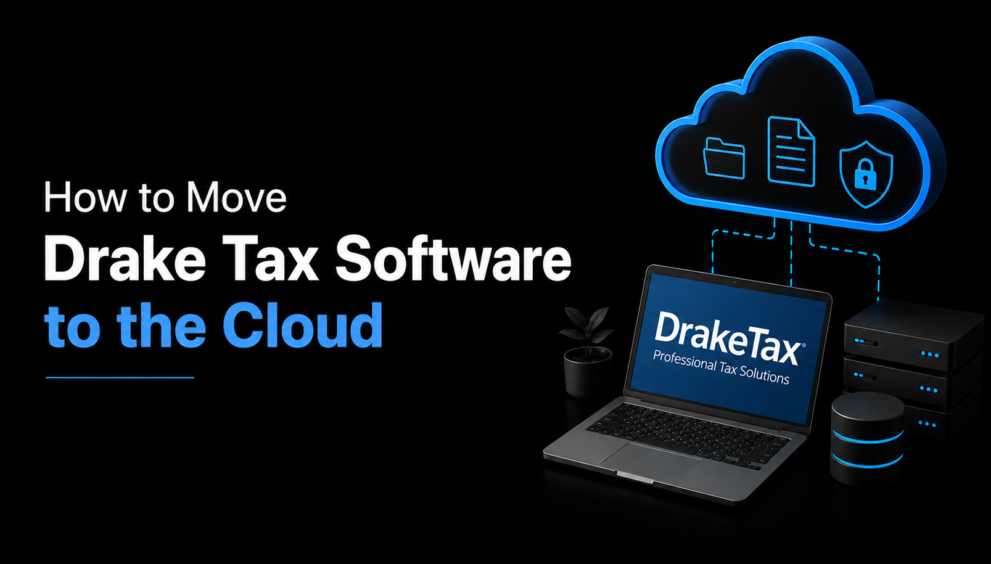
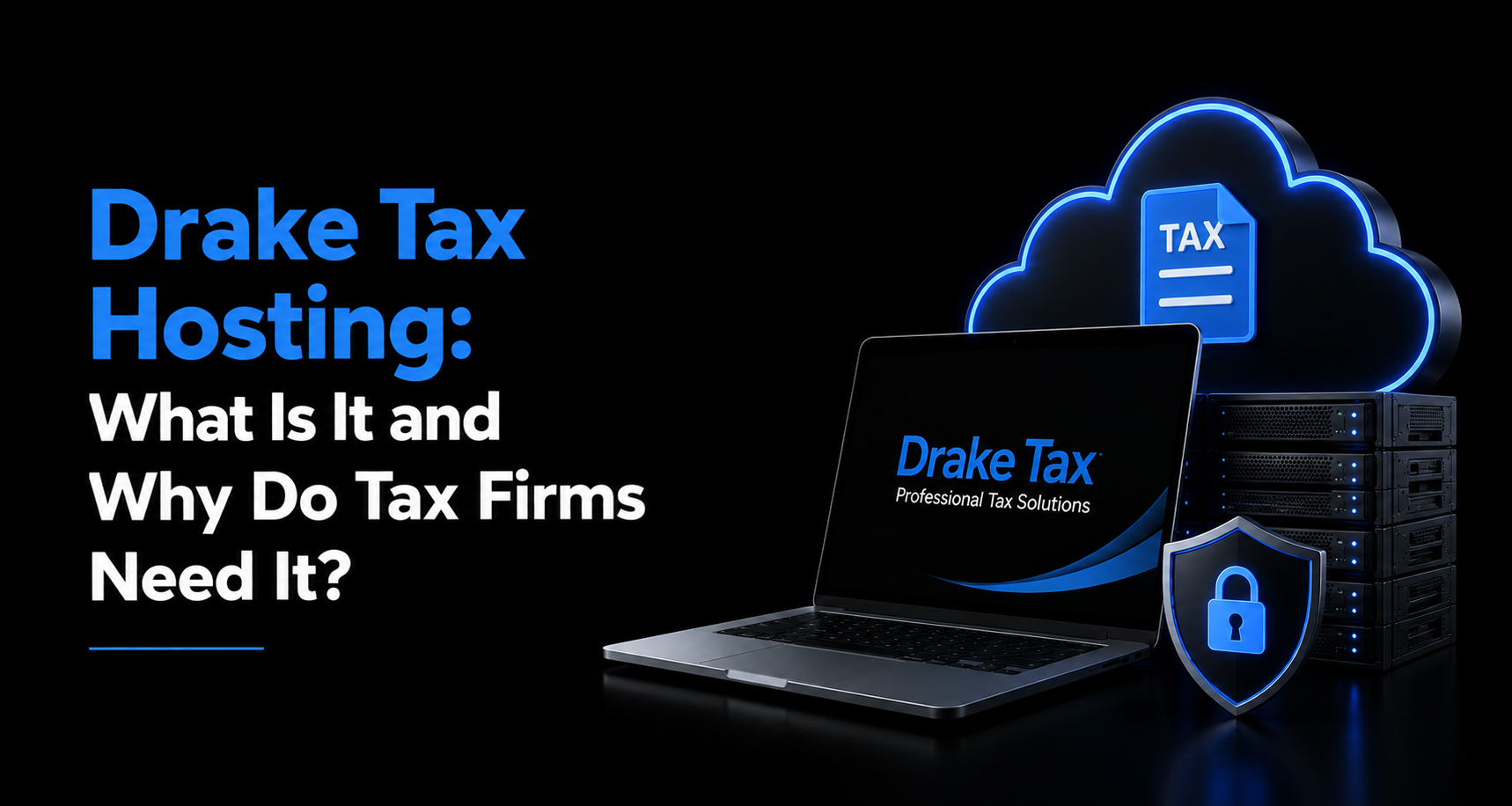
During tax season, slow computers, server failures, and limited access to client files can quickly disrupt a firm’s workflow. That’s why more and more tax firms are looking into Drake tax hosting as a way to run their existing Drake Tax software from a secure, remotely accessible cloud environment instead of a single desktop or an in-house server.
If you are wondering how to actually make that move, this guide walks through why firms host Drake Tax in the cloud, the step-by-step migration process, what to look for in a provider, and common pitfalls to avoid.
What is Drake Tax Hosting?
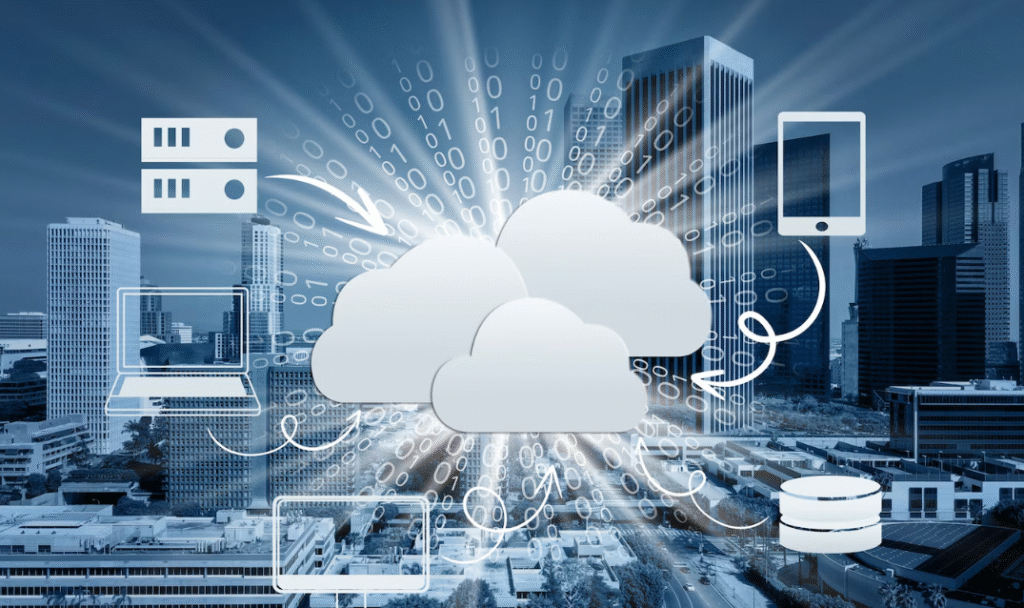
Drake Tax hosting means running your existing Drake Tax (along with Drake Accounting and Drake Documents, if you use them) on a virtual desktop or virtual server maintained by a third-party cloud provider, rather than on a local PC or office server. You typically keep your own Drake license — this is often called a “bring your own license” (BYOL) model — and the host provides the infrastructure: servers, storage, security, backups, and technical support.
The result looks and feels exactly like the Drake Tax you already know. The only real difference is that you’re logging into it remotely, from any device with an internet connection, instead of sitting in front of one specific machine.
Why Move Drake Tax Software to the Cloud?
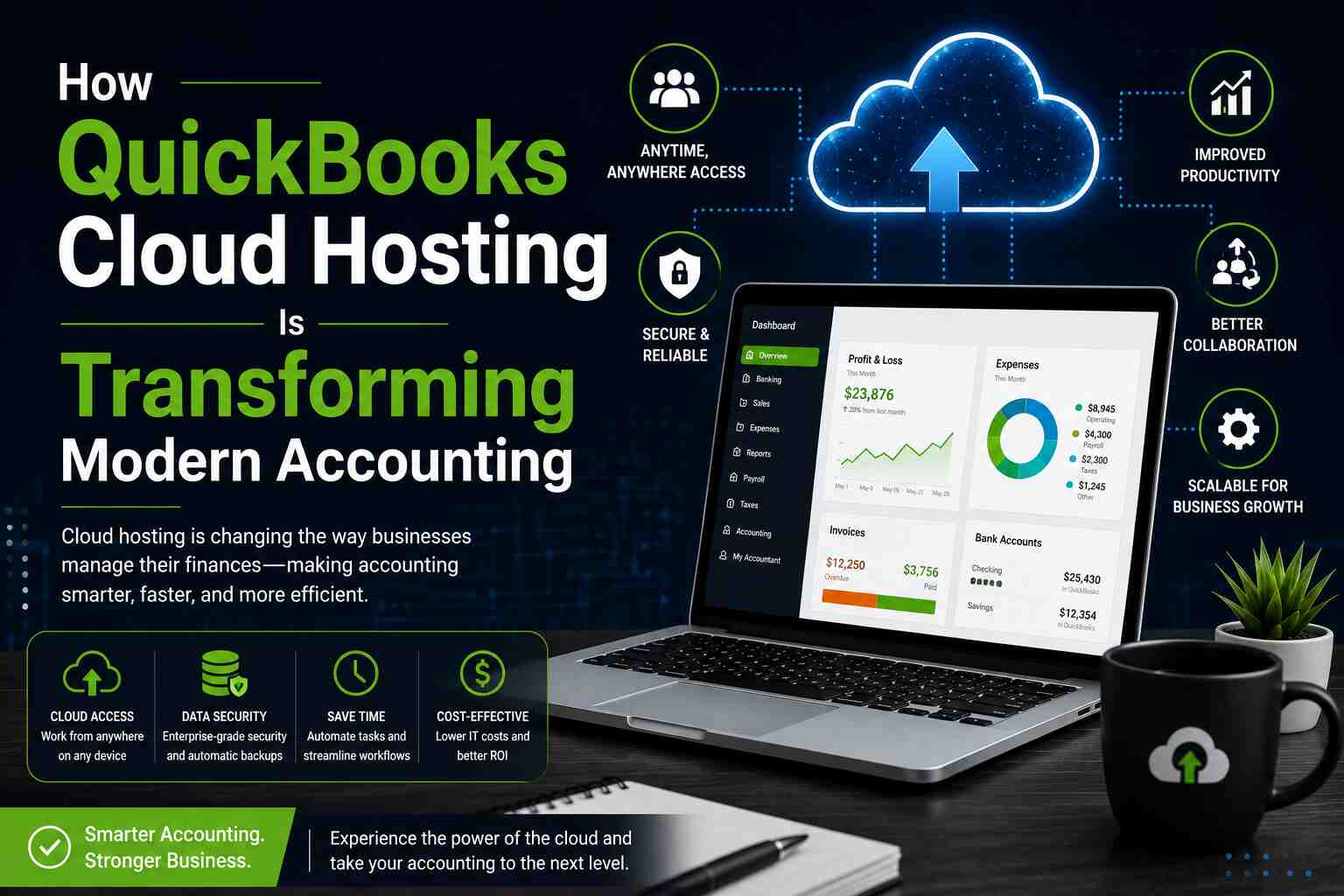
- Anywhere, any-device access: With Drake tax hosting, preparers can log in from a laptop at home, a tablet in a client meeting, or a second office location, and pick up exactly where they left off. This matters most during the crunch of tax season, when staff often need to work evenings, weekends, or remotely.
- Stronger data security: Tax firms handle Social Security numbers, income data, and banking details — a prime target for cybercriminals. A properly hosted environment adds layers most small firms can’t build in-house on their own: firewalls, intrusion detection, encrypted connections, multi-factor authentication, and continuously patched servers.
- Built-in backup and disaster recovery: Local hard drive failures, ransomware, and even fire or flood damage can wipe out irreplaceable client data. Cloud hosting providers run regular, automated backups and store data in redundant data centers, so a hardware failure in your office no longer threatens your entire client base.
- Multi-user collaboration without the bottlenecks: Hosted environments make it easy for several preparers, reviewers, and admin staff to work in Drake Tax at the same time without fighting over a single installed copy or a slow local network.
- Predictable costs and less IT overhead: Instead of buying and maintaining servers, running your own backups, and troubleshooting hardware, you pay a predictable monthly fee and let the host manage the infrastructure.
- Scalability during tax season: Firms can add temporary or seasonal preparers as users during peak season and scale back down afterward, rather than provisioning new hardware every year.
- Compliance support: IRS Publication 4557 requires tax professionals to maintain a written information security plan (WISP) and safeguard taxpayer data under the FTC Safeguards Rule. A reputable Drake tax hosting provider builds many of those technical safeguards into the environment itself.
Step-by-Step: How to Move Drake Tax Software to the Cloud
Here are the key steps to get started:
1. Assess your firm’s needs
Start by counting how many preparers need concurrent access, which Drake modules you use (Tax, Accounting, Documents), how much historical client data you need to migrate, and any add-on software (Microsoft Office, PDF tools, scanning software) that needs to run alongside Drake.
2. Choose a Drake tax hosting provider
Compare providers on security certifications, uptime guarantees, support availability, and pricing structure. Look specifically for providers experienced with Drake and other tax/accounting software, since generic cloud hosts may not understand the licensing quirks or performance needs of tax preparation software.
3. Confirm your licensing
Most independent Drake tax hosting providers use a BYOL model — you keep your existing Drake license, and the provider installs it on your hosted environment. Confirm with both Drake Software and your chosen host that your license terms support hosted use before you migrate.
4. Let the provider provision your environment
Once you sign up, the host sets up your virtual desktop or virtual server, configures user accounts, and applies security settings like multi-factor authentication and role-based access.
5. Migrate your data
This is the step firms worry about most, but a good provider handles it for you. Prior-year returns, client records, EFIN and firm setup information, and any custom templates get transferred to the hosted environment. Ask your provider for a migration timeline and a rollback plan in case anything needs to be double-checked.
6. Install and configure Drake Tax and integrations
Once your data is in place, Drake Tax is installed and configured on the hosted desktop, including printer redirection, scanner support, e-file setup, and any add-on applications your firm relies on.
7. Test before you rely on it
Before fully switching over, have a few staff members log in, open prior returns, print a test document, and run through a few real workflows. Catching configuration issues now avoids surprises in the middle of filing season.
8. Train your staff
Even though the hosted version of Drake Tax looks the same as the desktop version, walk your team through logging in remotely, using multi-factor authentication, and best practices for working securely outside the office.
9. Go live
Once testing is complete and staff is comfortable, switch fully to the hosted environment. Keep your old local backups for a defined retention period before decommissioning any on-premises servers.
What to Look for in a Drake Tax Hosting Provider
- Security controls: encrypted connections, firewalls, multi-factor authentication, and regular security audits
- Compliance certifications: SOC 2 or SSAE 16-certified data centers are a good baseline indicator of a provider’s security maturity
- Uptime guarantees: look for a clear SLA, especially around filing deadlines
- 24/7 support: tax season doesn’t run on business hours, and neither should your support line
- Automated, redundant backups with a documented disaster recovery process
- Support for all your Drake modules (Tax, Accounting, Documents), not just the core tax product
- Cross-device access from Windows, Mac, Chromebook, and mobile devices
- Transparent, scalable pricing so you can add or remove seats as staffing changes with the season
Common Challenges When Moving Drake Tax to the Cloud
- Printer and scanner setup: Local printers sometimes need extra configuration to work with a hosted desktop. Ask your provider how they handle printer redirection before migration day.
- Bandwidth and connection quality: A hosted desktop depends on a decent internet connection. Most modern broadband connections handle it fine, but firms in areas with unreliable internet should test performance before fully committing.
- Change management: Some staff are simply used to the old way of working. Clear training and a short overlap period where both systems are available can ease the transition.
- Choosing BYOL vs a bundled license: Not every provider handles licensing the same way. Clarify upfront whether you’re bringing your own Drake license or purchasing through the host.
Conclusion
Moving Drake Tax software to the cloud isn’t just a convenience upgrade — it’s a practical way to protect client data, keep your firm running during outages, and give your team the flexibility to work from anywhere during the busiest months of the year. The keys to a smooth migration are picking the right Drake tax hosting provider, planning your data migration carefully, and giving your staff time to get comfortable with the new setup before filing deadlines hit.
If you’re evaluating providers, Apps4Rent is worth a look. It hosts Drake Tax, Drake Accounting, and Drake Documents on a cloud desktop that works across Windows, Mac, Chromebook, Linux, Android, and iOS devices, using a bring-your-own-license model so you keep the Drake license you already own. As a Microsoft Solutions Partner with over a decade of experience hosting tax and accounting software for firms across dozens of countries, Apps4Rent pairs that infrastructure with 24/7 support and security-focused, SSAE 16-certified data centers – the kind of setup that lets a firm move to Drake tax hosting without giving up the desktop experience its preparers already know.
Frequently Asked Questions
1. What is Drake tax hosting?
Drake tax hosting is a service that runs your existing Drake Tax software on a secure, remote virtual desktop or server managed by a third-party provider, so you can access it from any location or device instead of a single office computer.
2. Do I need a new Drake license to use a hosted version?
Usually not. Most independent Drake tax hosting providers use a bring-your-own-license (BYOL) model, meaning you keep the Drake license you already purchased and the provider installs it on your hosted environment. It’s worth confirming licensing terms directly with your provider before migrating.
3. How much does Drake tax hosting typically cost?
Pricing varies by provider and setup. Session-based, shared hosting plans can start as low as $12–$25 per month, while dedicated server environments with more resources and isolation typically run higher, often in the $50–$100+ per user, per month range. Cost depends on the number of users, storage needs, and whether you choose shared or dedicated infrastructure.
4. Is hosted Drake Tax secure enough for handling client tax data?
Reputable providers build in encryption, firewalls, multi-factor authentication, redundant backups, and SOC 2 or SSAE 16-certified data centers, which generally exceeds what most small firms can maintain on their own hardware. Still, it’s important to verify a provider’s specific security certifications and ask how they support your firm’s WISP and IRS Publication 4557 compliance obligations.
5. Will Drake Tax look and work the same once it’s hosted?
Yes. A properly hosted setup gives you the same Drake Tax interface and functionality you’re used to on a local desktop – including printing, e-filing, and multi-user access – the main difference is that you’re connecting to it remotely rather than running it on a single physical machine.