

 English



































































































































































































































































































































































































































































































































































































































































































































































































































































































































































































































































































































































































































































































































































































































































































































































































































































































































Top 10 Super Useful Add-ons for Drake Software


Drake is already a solid tax prep platform, but out of the box it won’t magically fix the two biggest problems in tax season: repetitive work and coordination chaos. The right add-ons do. They reduce manual data entry, tighten compliance, speed up review, and keep your team from stepping on each other.
Here are 10 best useful add-ons and integrations that make Drake workflows faster and cleaner—especially if you’re running a multi-preparer office or supporting remote staff through Drake Tax Software Hosting on platforms like Sagenext.
1) Drake Document Manager (Paperless Workflow)
If you’re still juggling PDFs across desktops, email threads, and random folders, you’re bleeding hours. Document Manager centralizes source docs and ties them directly to returns. You get faster retrieval, cleaner organization, and fewer “where’s that W-2?” moments during review.
Best for: Paperless offices, multi-preparer environments, review-heavy workflows.
2) Drake Scan (OCR + Auto Data Population)
This is the add-on that removes the most grunt work. Drake Scan uses OCR to read source documents and push data into return fields. It’s not perfect (no OCR is), but it’s a big step up from typing everything manually.
Best for: High-volume 1040 shops, returns with repeated forms (W-2, 1099, K-1).
3) Secure Client Portal + E-sign
Chasing clients for missing docs and signatures is a tax-season tradition you should kill. A secure portal lets clients upload docs, view completed returns, and sign electronically—without emailing sensitive PDFs.
Best for: Remote clients, data security, faster turnaround, fewer follow-ups.
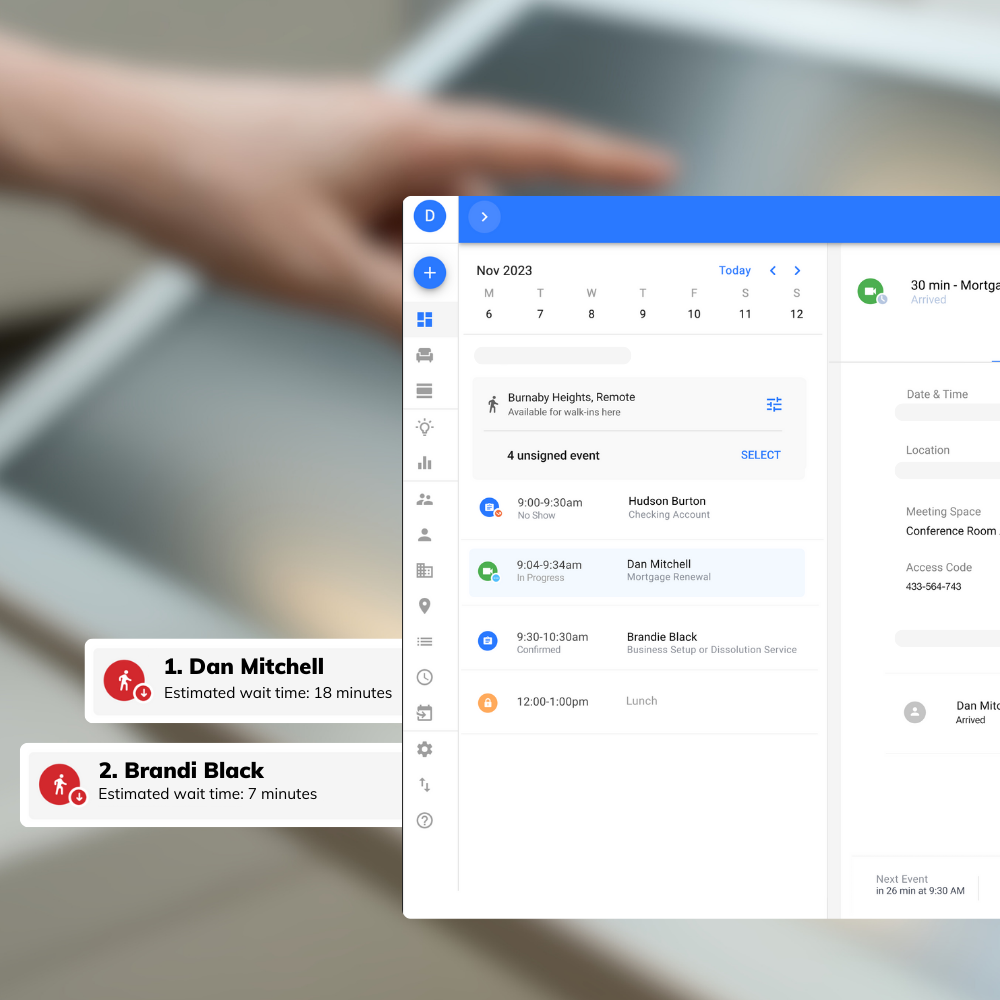
4) Workflow / Practice Management Integration
Drake handles returns; it doesn’t fully run your practice. Integrating with a workflow tool helps you track return status, due dates, assignments, and review steps. That’s how you stop losing time to “what’s pending?” meetings.
Best for: Firms with multiple staff, structured review processes, deadline management.
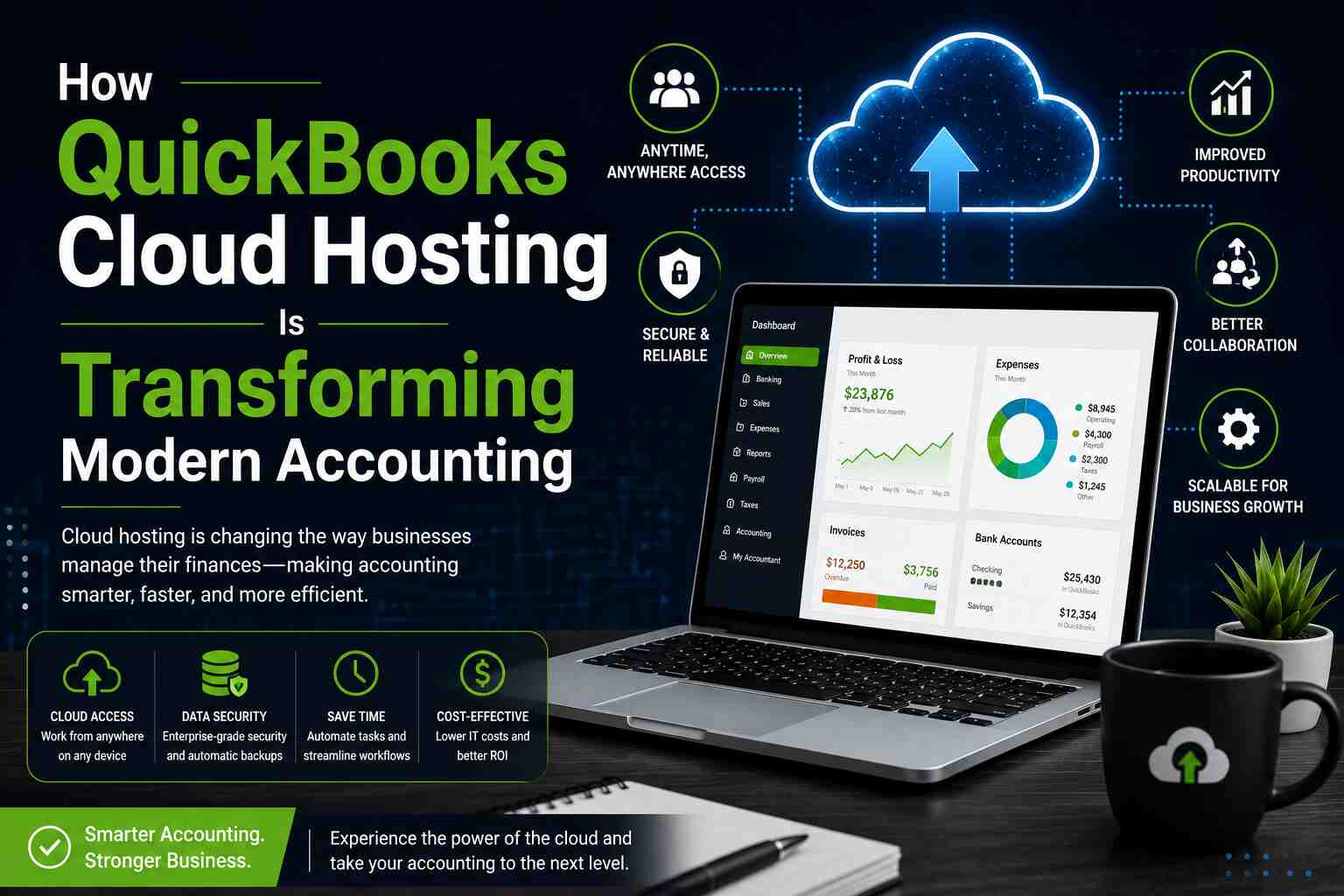
5) Accounting/Bookkeeping Integrations (QuickBooks, Xero, CSV Tools)
Most client mess starts in the books. Add-ons or connectors that pull trial balances, profit & loss, and payroll summaries reduce errors and eliminate re-keying. Even basic clean CSV import/export tools can save real hours.
Best for: Business returns, 1065/1120/1120S, bookkeeping-to-tax pipelines.
6) Bank Product Add-ons (Refund Transfers, Pay-by-Refund Options)
If your firm offers bank products, an add-on can simplify enrollment, disclosures, and fee collection. It’s less friction at checkout and fewer payment delays.
Best for: High-volume retail tax offices, firms that finance prep fees.
7) Multi-office / Multi-user Collaboration Tools
Drake works best when your team can access the same environment consistently. Add-ons aren’t just “features”—sometimes the real upgrade is infrastructure that supports collaboration without file conflicts.
This is where Drake Tax Software Hosting makes a difference: a hosted setup enables secure access for preparers working from different locations, reduces “one PC has the return” bottlenecks, and helps standardize performance across the team. Providers like Sagenext typically bundle multi-user access, security controls, backups, and support.
Best for: Remote staff, seasonal hiring, multi-location firms, shared resources.
8) Security Add-ons (MFA, Encryption, Backup, Audit Controls)
Tax data is high-risk data. If your setup relies on a single desktop with weak access controls, you’re one incident away from disaster. Security add-ons (or security-forward hosting) can add multi-factor authentication, better encryption practices, and improved backup routines.
Best for: Compliance-focused firms, client trust, preventing ransomware damage.
9) Email & Communication Templates (Client Requests + Reminders)
You don’t need “more communication,” you need repeatable communication. Add-ons or tools that automate client checklists, missing-doc reminders, and appointment scheduling reduce back-and-forth and keep the pipeline moving.
Best for: Firms that constantly chase missing info, high client volume.
10) Reporting & Analytics (Production, Revenue, Bottlenecks)
If you can’t measure it, you can’t improve it. Basic reporting add-ons show who’s producing, what’s stuck in review, which return types take longest, and how your season is trending week to week.
Best for: Firm owners/managers, capacity planning, reducing turnaround times.
Why Add-ons Matter More When You Host Drake
Here’s the blunt truth: add-ons don’t help if your environment is unstable, slow, or hard to access. When your team is split across offices (or working from home), Drake Tax Software Hosting becomes the backbone that makes these add-ons feel “smooth” instead of “painful.”
A hosted setup—like the kind offered by Sagenext—can support:
- Consistent performance for all users
- Secure remote access (without risky DIY remote desktop setups)
- Centralized data, backups, and admin control
- Easier scaling during peak season
Final Word
If you’re serious about speed and accuracy, start with Document Manager and Drake Scan, then add a secure portal + workflow tracking. If you’re remote or multi-user, don’t ignore hosting—Drake Tax Software Hosting is often the upgrade that makes everything else work better.
Read More: https://onlinetechlearner.com/